

Nailing your War Thunder settings can totally change how the game feels. I’ve burned through hours tweaking setups on all sorts of rigs to sort the real winners from the hype. Straight to the good stuff that boosts your play.
Display & Resolution – Foundation That Actually Matters
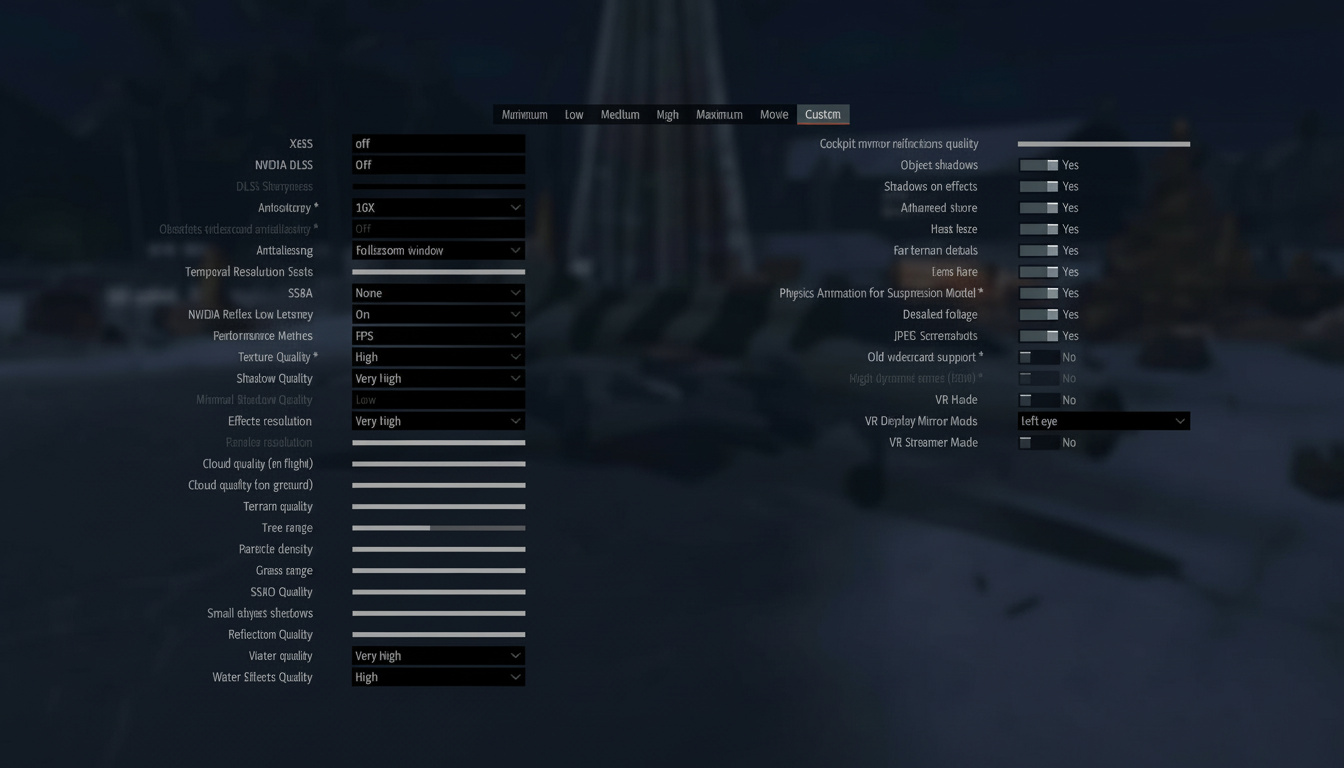
Stick to your monitor’s native resolution every time. Running lower just screws you over – enemies blend into the distance, and that tiny delay in spotting them turns into a quick death in ranked fights. But here’s the real game-changer: crank up DLDSR or DSR in the NVIDIA Control Panel (or VSR if you’re on AMD) for a super-sampled picture that’s way crisper. Downside? Your GPU better be beefy. In my runs, 1.78x DL handles fine on decent cards; 2.25x demands top-tier gear. Setup’s dead simple – fire up your driver panel, flip on DSR/DLDSR at the factor you want, then hit the War Thunder launcher (skip Steam launch if that’s your thing). Pick the super-sampled res from the list and lock in exclusive fullscreen to avoid glitches. Quick fix for headaches: DLDSR sometimes blacks out your screen on mode switches. Totally normal, just wait it out. Stretched display after alt-tabbing or sleep wake-up? Alt-tab once more or relaunch.
Graphics API & Anti-Aliasing – The Performance Puzzle
Direct3D12 edges out everything for steady frames and better pacing right now. My side-by-side tests show it pulling ahead on newer hardware. Crashes or glitches hitting you? Drop to DX11 – older kits still run cleaner there. And yeah, anti-aliasing off sharpens your edge. Sounds backward, but TAA and SMAA smear far-off targets enough to throw off shots. The edgier look helps you pick out foes quicker, even if it’s a bit rough. Other option – if you’ve got NVIDIA, fire up “DLSS Native” no upscale. It steadies pixels without tanking speed like old AA does.
In-Game Graphics Settings – What Really Impacts Your Game
Ran through tons of tweaks, and these are the ones that stick: these settings change the most
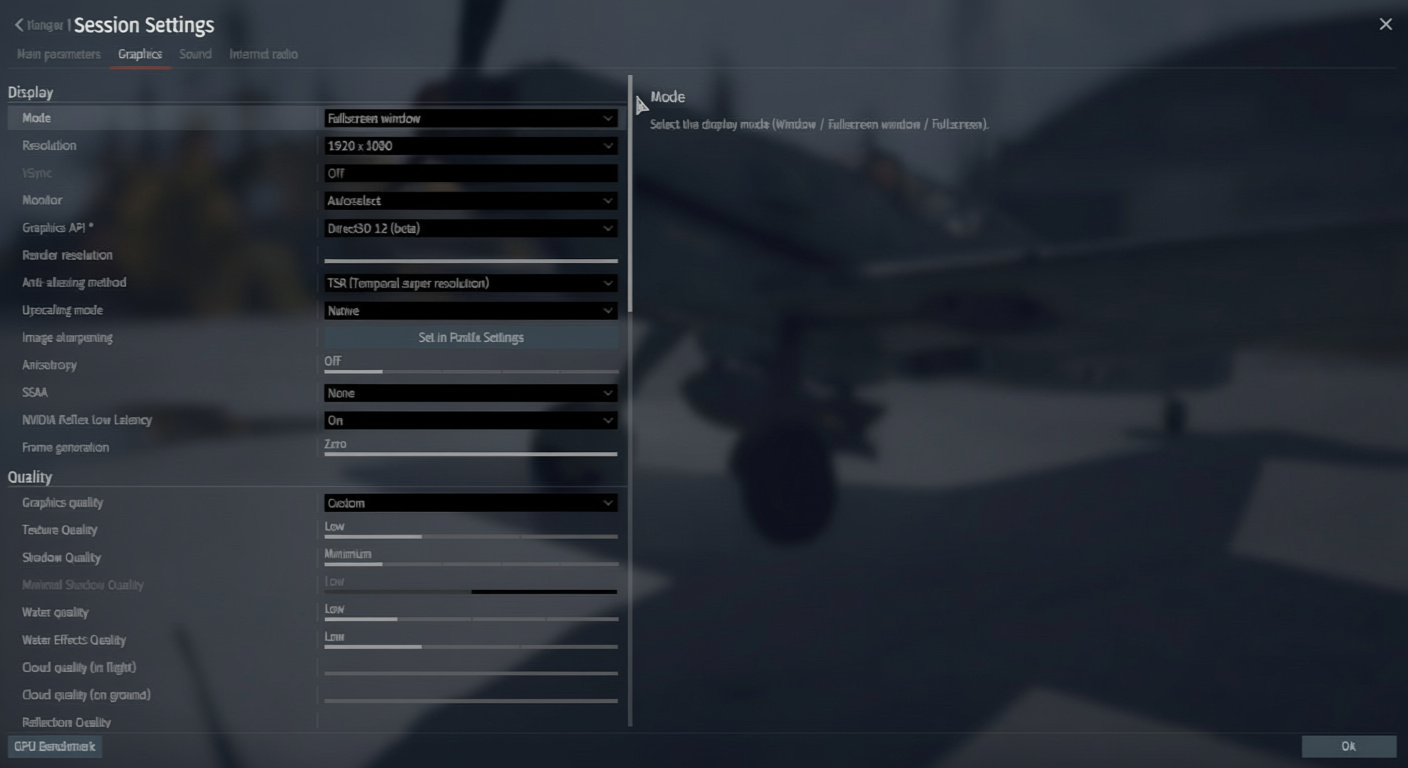
- Texture Quality: High – pins down vehicle shapes from afar with barely any hit to speed
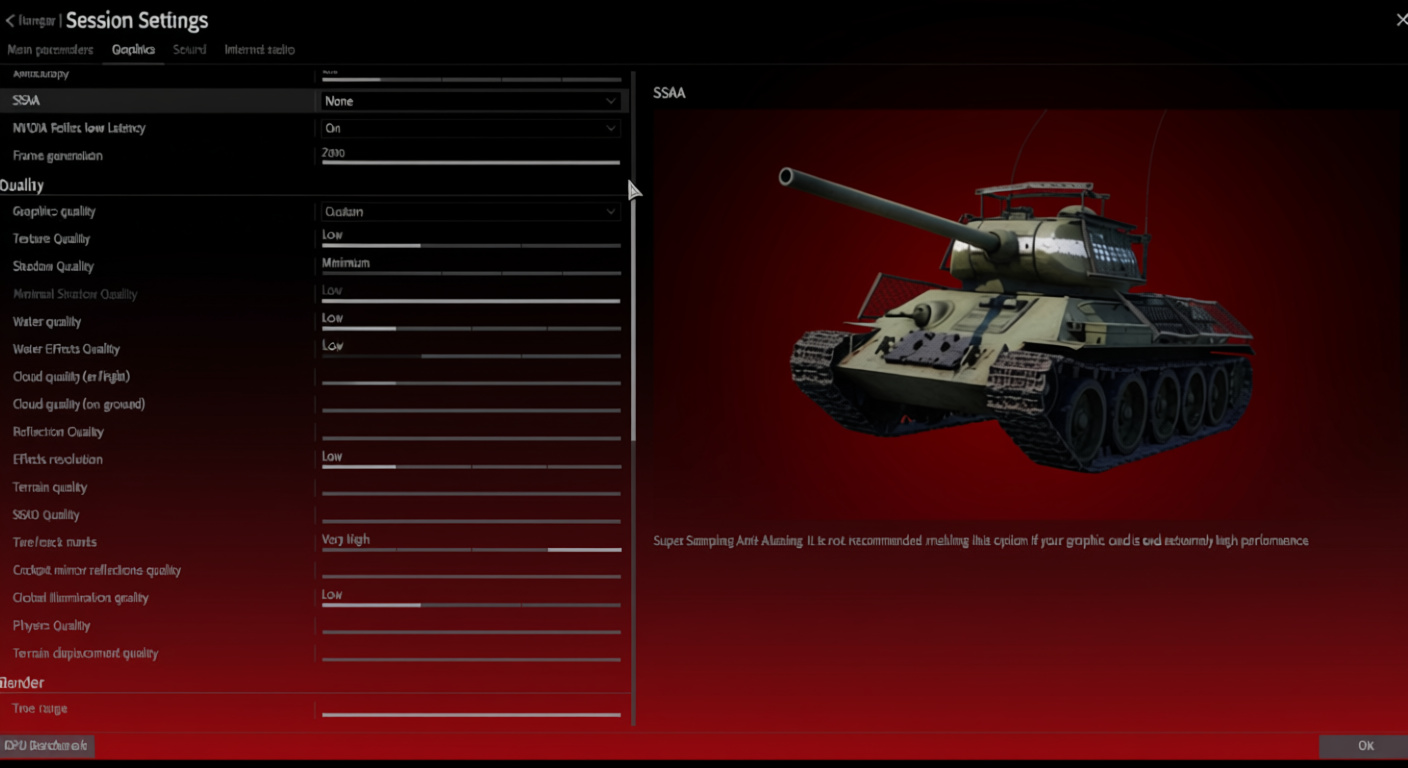
- Shadow Quality: Minimum – lights up shady spots so campers in cover can’t hide; caught way more lurkers this way
- Water Quality: Low or Off – barely changes most maps, but frees up frames nicely
- Terrain Displacement: Watch This One – full blast is stunning, but it hitches in sights. Framerate dipping on zoom? Cut it back first
- SSAO (Screen Space Ambient Occlusion): Maximum if possible – adds real depth that changes how you read the field; grab SSA8 if your rig takes it
- Tree Range & Grass Range: 40-50% – dials back the mess blocking lines of sight. Pros drop these low to keep views clear
- Particle Density: Low – stops blasts from clouding your aim in chaos
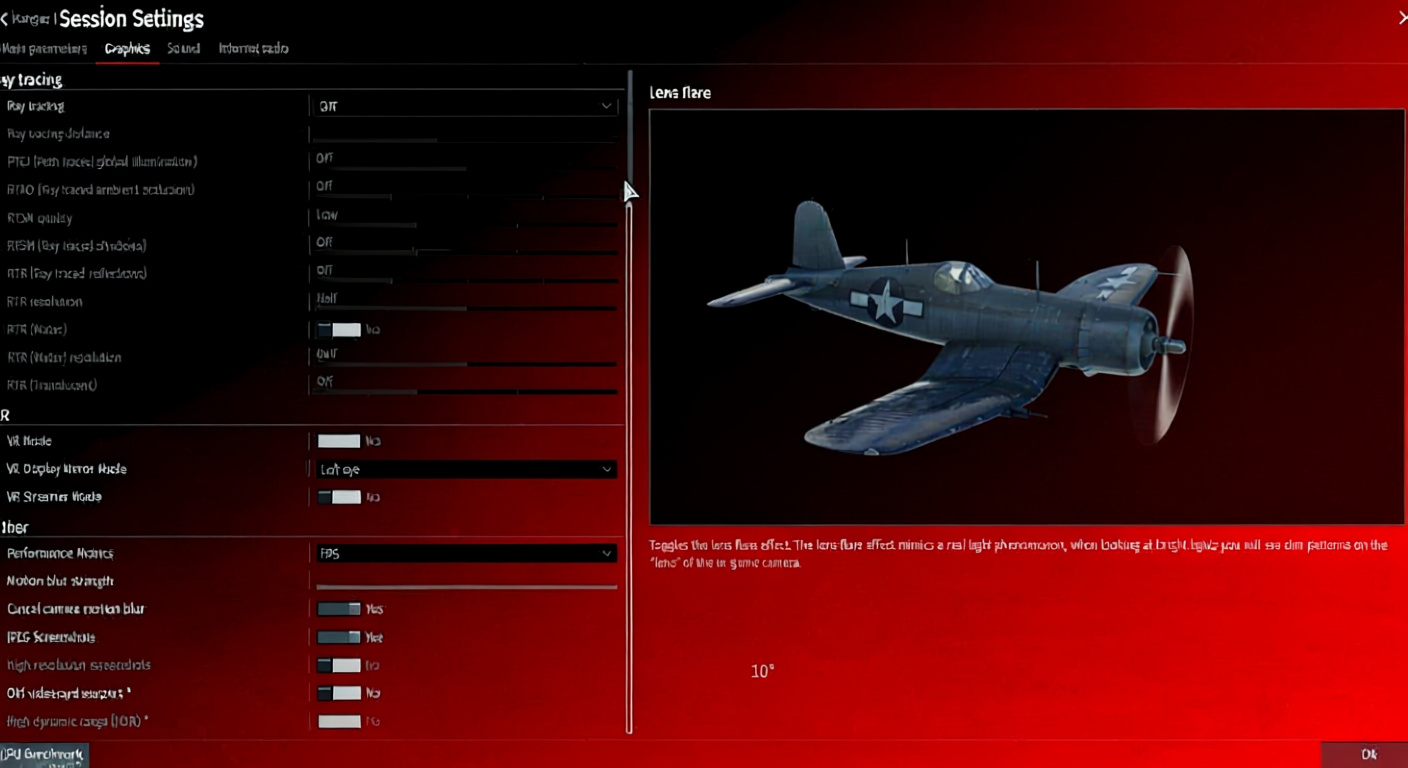
- Lens Flare & Motion Blur: Absolutely OFF – just distractions that mess with fights
- Old Video Card Support – flip this on if things lag; strips down shadows, water, textures for a solid bump
PostFX Settings – The Secret Weapon
These tweaks turn spotters into killers. Small PostFX changes = big visibility gains

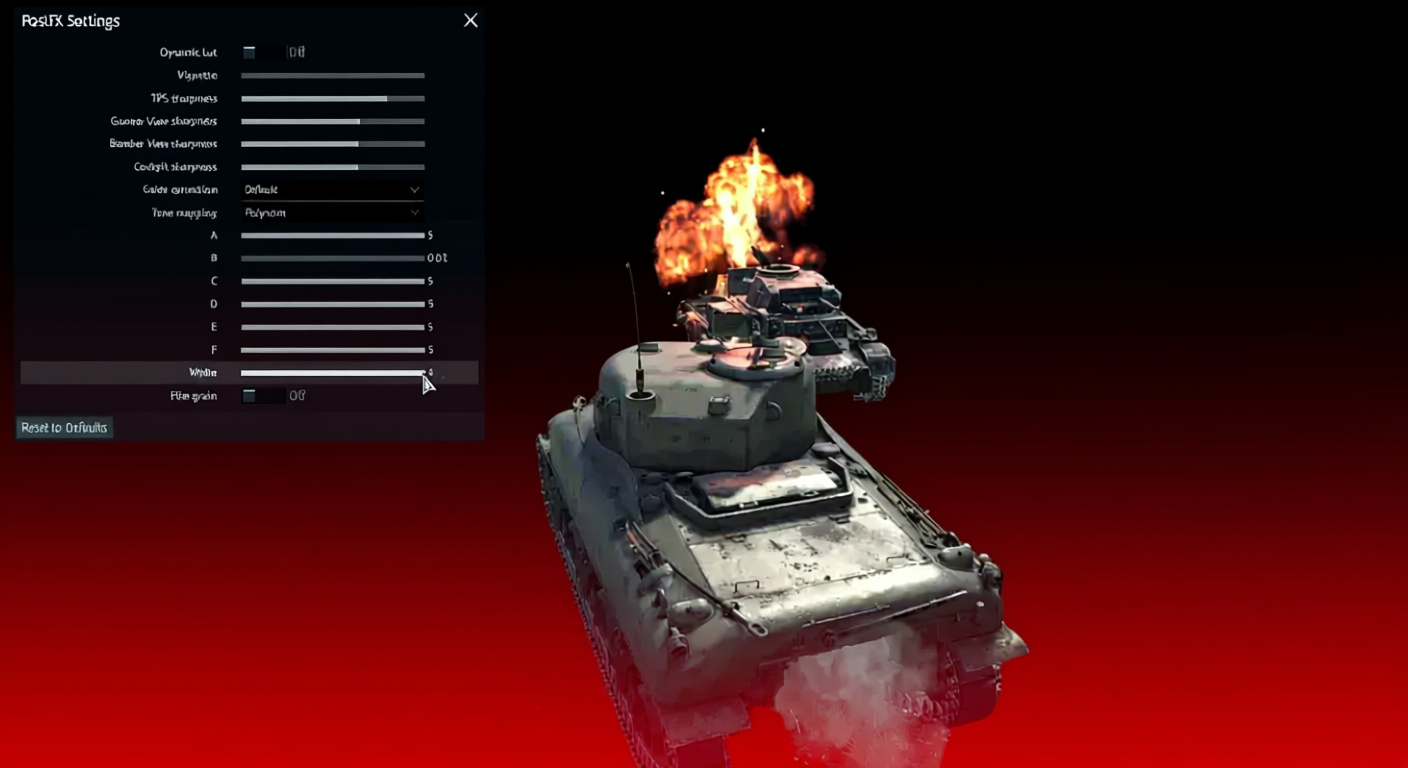
- Sharpness (Third Person): 75-90% – pumps up far vehicles against the scenery. I stick at 80% – feels right
- Gunner/Bomber/Cockpit Sharpness: Around 60% – eases off the noise up close
- Vignette: 0% – kills this pointless edge blur
- Tone Mapping: Polynom method – tweak custom A-E sliders, skip Reinhard to dodge washed-out booms. Mess with White if tracers or flames fade out
- Gamma Correction – crank it for dark maps; flips night fights from guesswork to clear shots
Pair with desktop tweaks: nudge brightness +2%, contrast +10%, digital vibrance +2% in NVIDIA Control Panel. Small shifts, big payoff.
NVIDIA Reflex & Ray Tracing Notes
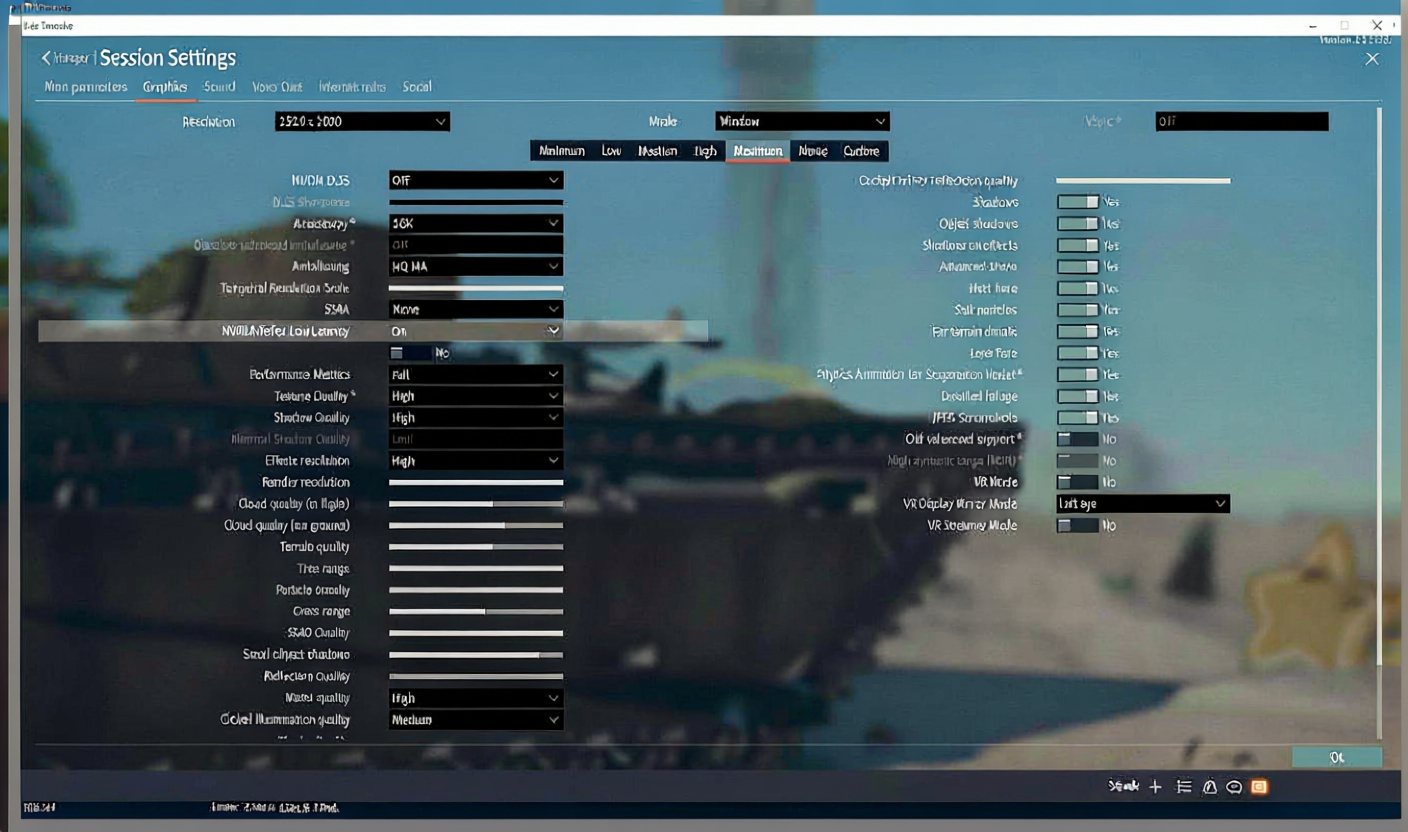
Flip NVIDIA Reflex Low Latency only if your GPU’s maxed at 90%+ – cuts lag when graphics choke it. CPU holding you back? Skip it, no dice. Use Reflex only when GPU-bound
Ray tracing: avoid – still a crash fest. Visuals don’t justify the hassle till Gaijin fixes it.
Sound Configuration – Hear Them Before They See You
Sound gets slept on hard in War Thunder. Dial it right, and you’ll catch engines way before sights – huge in tight city scraps. Sound often wins the first warning
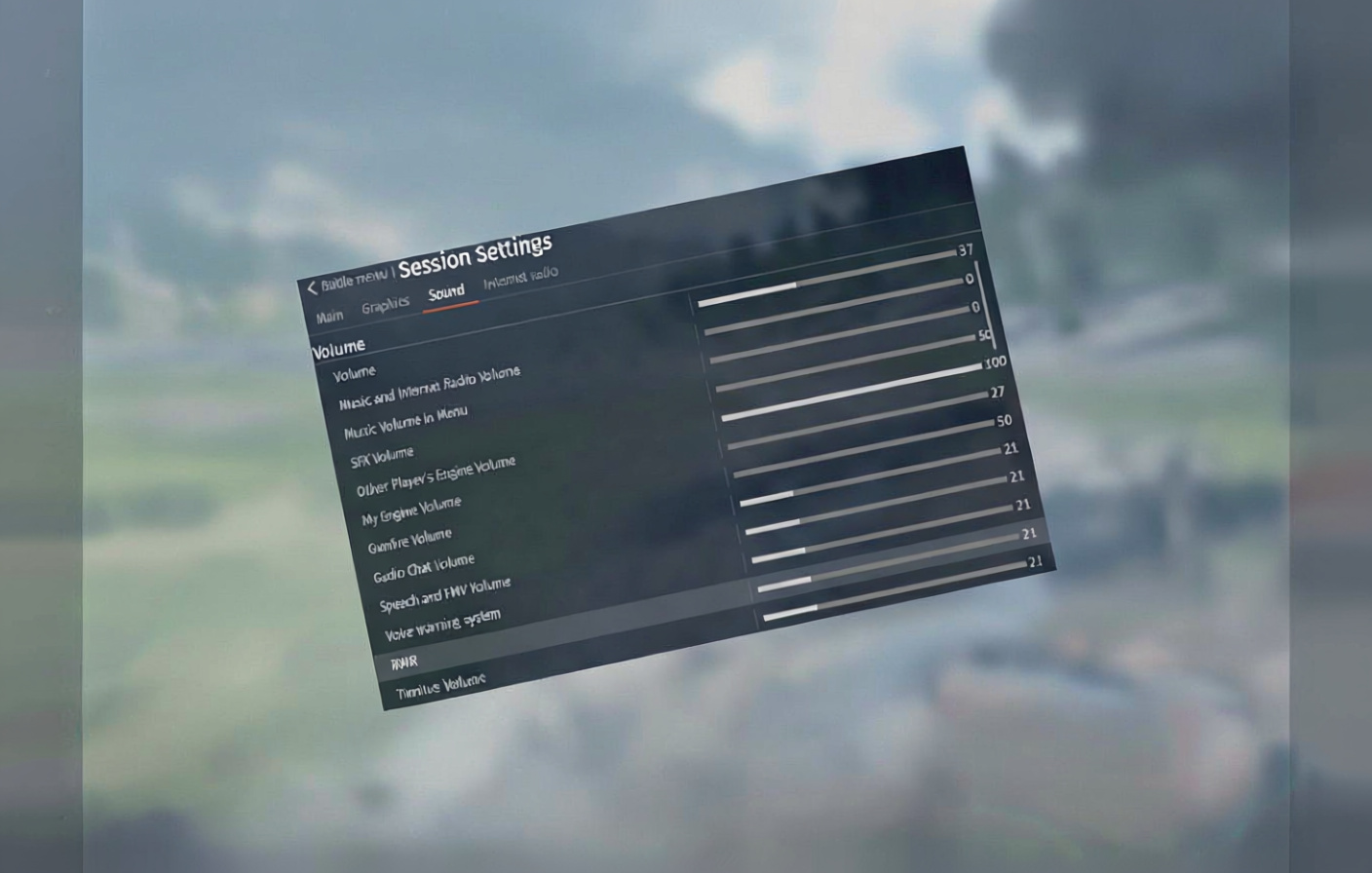
- Master Volume: 35-40% – keeps barrages from blasting your ears
- SFX Volume: ~50% – tunes the world without overload
- Other Player Engine Volume: Maximum – enemies roar clear now
- Your Own Engine Volume: Lower it – clears space for incoming threats
- Gunfire, Radio Chat, Voice Warnings, RWR: 20-25% – low enough for calls without burying motors
- Tinnitus Volume: 0 – useless noise, ditch it
- Speed of Sound: On – flags incoming jets with booms
Trick I swear by: engine hum in town? Freeze up right away. Yours quiets, theirs doesn’t – easy trap set.
Visibility-Focused Configuration
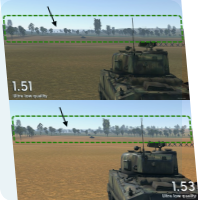
Spotting first? Ditch pretty pictures for this: visibility over visuals
- Anti-aliasing: Off
- Sharpness: 80-100%
- Shadows, SSAO, Terrain Displacement, Reflections: All Low
- Tree/Grass Range: Minimum
- Particle Density: Low
- Textures: High (yeah, higher detail sharpens terrain edges for better contrast)
NVIDIA Game Filters (GeForce Experience): Detail with 20-30% sharpen and HDR toning cranks spotting. Clarity? Skips colors too much – pass unless that’s your vibe.
Aircraft-Specific Settings – Convergence & Aiming
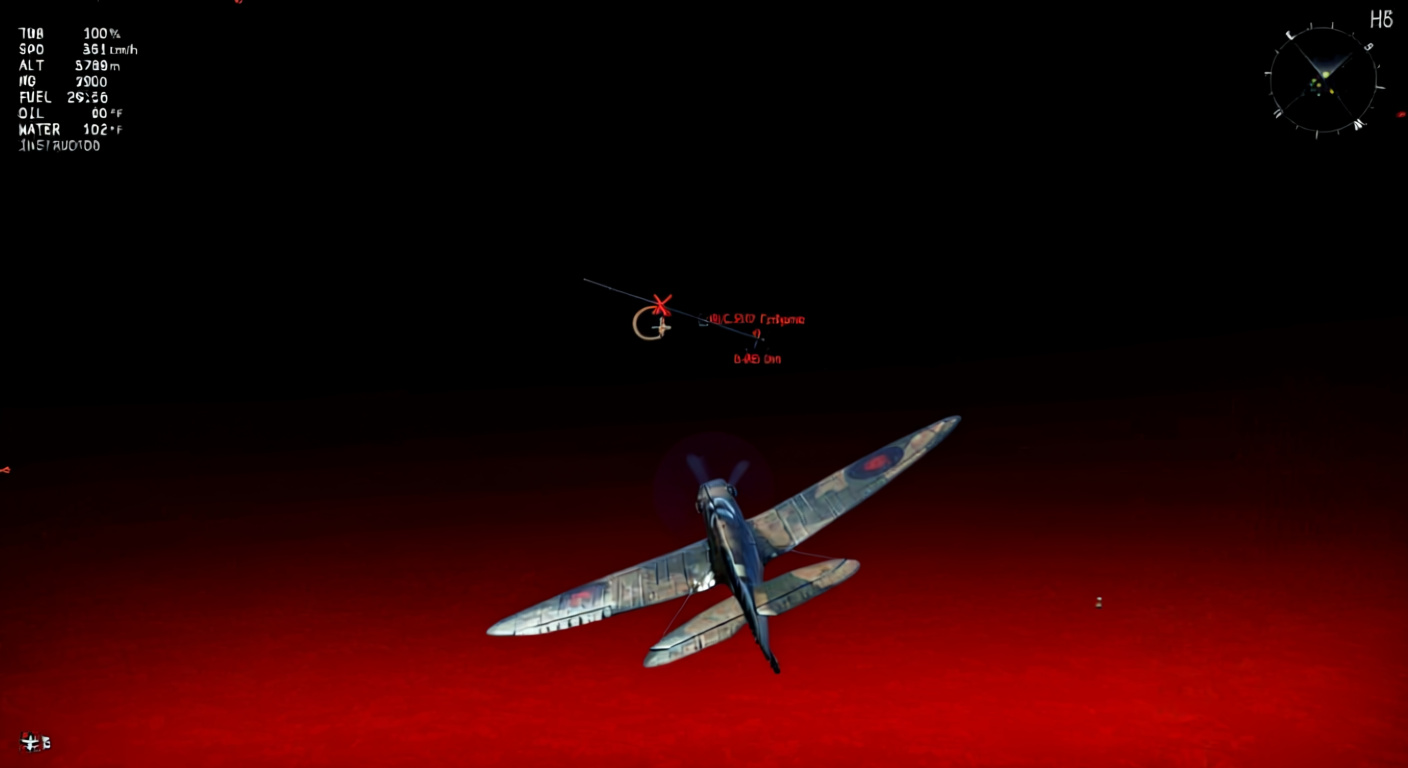
- Gun Convergence sets wing gun crossovers. Match your dogfight range – 400-600 meters nails it. Too tight, you’re spraying; too far, shots scatter.
- Vertical Targeting: Turn This Off – auto elevation flops since planes rarely line up flat. It throws your aim more than helps.
- Lead Indicator Reality Check – instructor pip’s spot-on under 300-350 meters. Stretch longer, overshoot it. At 700, double the gap from pip to target.
- Ammunition Belts – Air Targets or Universal covers most; tracers look cool but hit softer.
Multi-caliber heads-up: birds like P-39, P-63, Yak-9K/T base pips on big guns. Smalls and MGs ballistics differ – aim turns into a nightmare.
Head-On Engagement Tactics
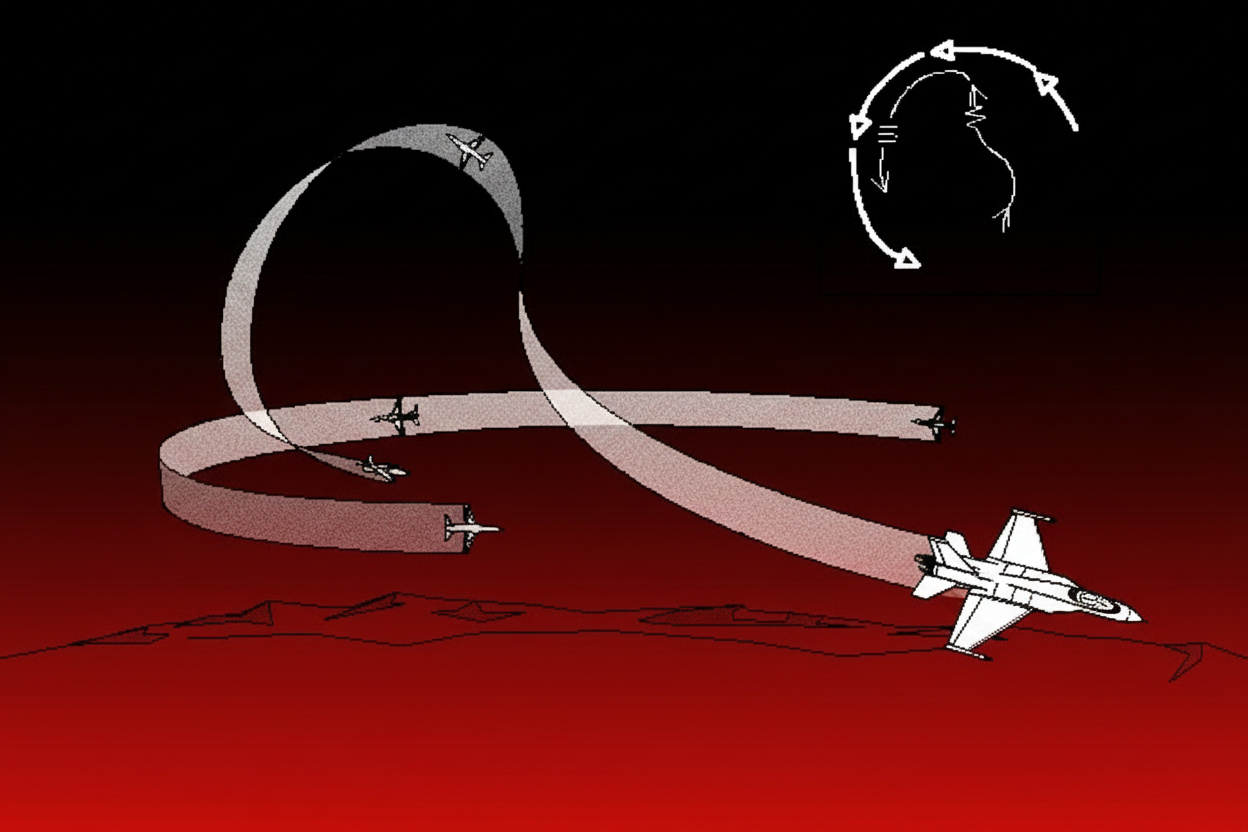
Open fire at 1.5-1.0 km based on shell speed. Same or lower height? Nose up a hair for drop. Altitude edge? Straight on or dip low. Key: yank off at muzzle flash. Trading kills feeds the third wheel waiting. Adapt to hits – if you’re wrecked and they’re fresh, ram it home. They limping, you solid? Peel and circle.
Essential Keybinds & Control Setup
My go-to mouse/keyboard binds:
- Throttle Up/Down: Left Shift / Left Control
- Gear: G
- Mouse Look: C (key for scanning)
- Ailerons: A / D
- Elevator: W (nose down) / S (nose up)
- Rudder: Q / E
- Flaps: Mouse wheel up/down separate for fine turns in scraps
- Weapons: Left Mouse
- Bombs: Space
- Zoom: Right Mouse
Ground Vehicle Critical Binds
- Fire Secondary Guns: Solo key (saves special rounds)
- Set Target for Squad: Bind it (yellow tag for team – wasted gold)
- Commander Camera: Own key; skip in view loops
Battle Settings You Should Change
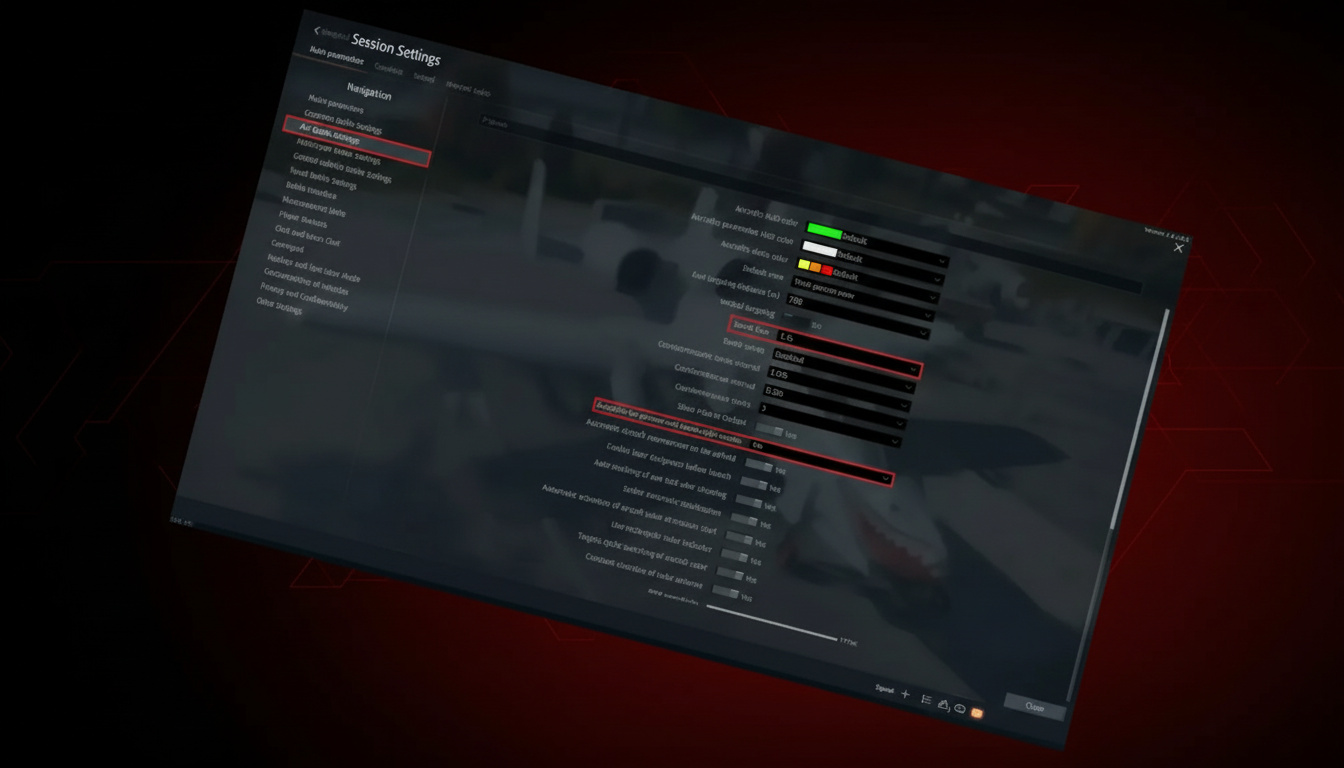
- Grass in Tank Sight: Off – clears greens from optics

- Automatically Join Squads: On – easy Silver Lions
- Join Already Active Battles: Off – jumping losses sucks
- Empty Weapon Containers Automatic Jettison: Yes – drops dead weight post-fire
Aircraft Instructor: Disable Everything – it clips your moves and dulls fights
System Optimization Beyond In-Game Settings
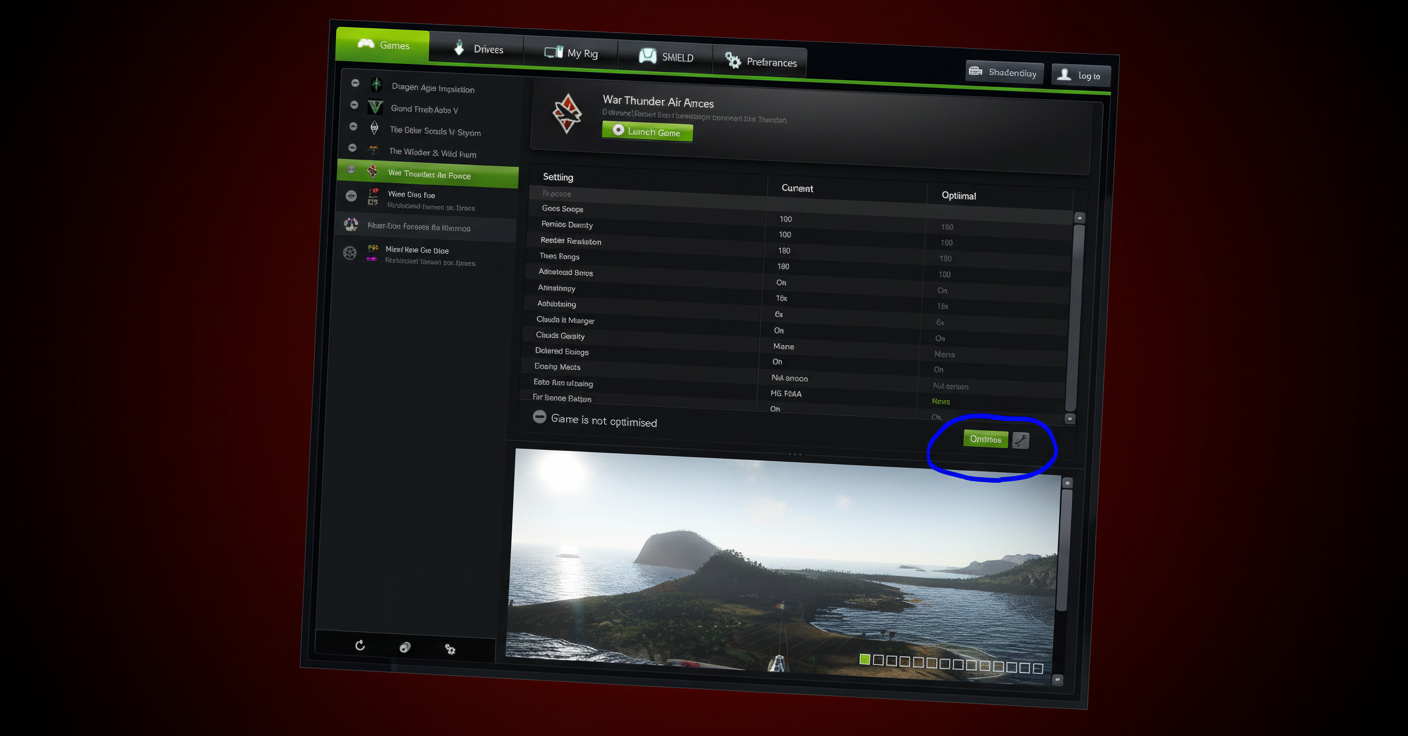
Driver Updates beat every tweak for FPS. Grab fresh from AMD site or NVIDIA GeForce – stay on it. Drivers first, tweaks second
NVIDIA Control Panel Adjustments:
- Power Management Mode: Prefer Maximum Performance
- PhysX: GPU (CPU’s a killer)
- Anisotropic Filtering: 8x-16x for crisp
- Vertical Sync: Adaptive on frame swings (kill in-game VSync)
- Output Dynamic Range: Full
AMD Users – slot aces.exe into Catalyst 3D profiles for tweaks.
MSI Afterburner / Overclocking Warning – Skip unless you’re deep in it. Heat or crashes aren’t worth tiny bumps. If pushing: +10-20 core, +5-20 memory, easy does it.
Disk Maintenance:
- CCleaner for junk files (skip registry – pointless gamble)
- Auslogics for HDD defrag; SSDs? Never – wastes life for nothing
Battle Settings Deep Dive
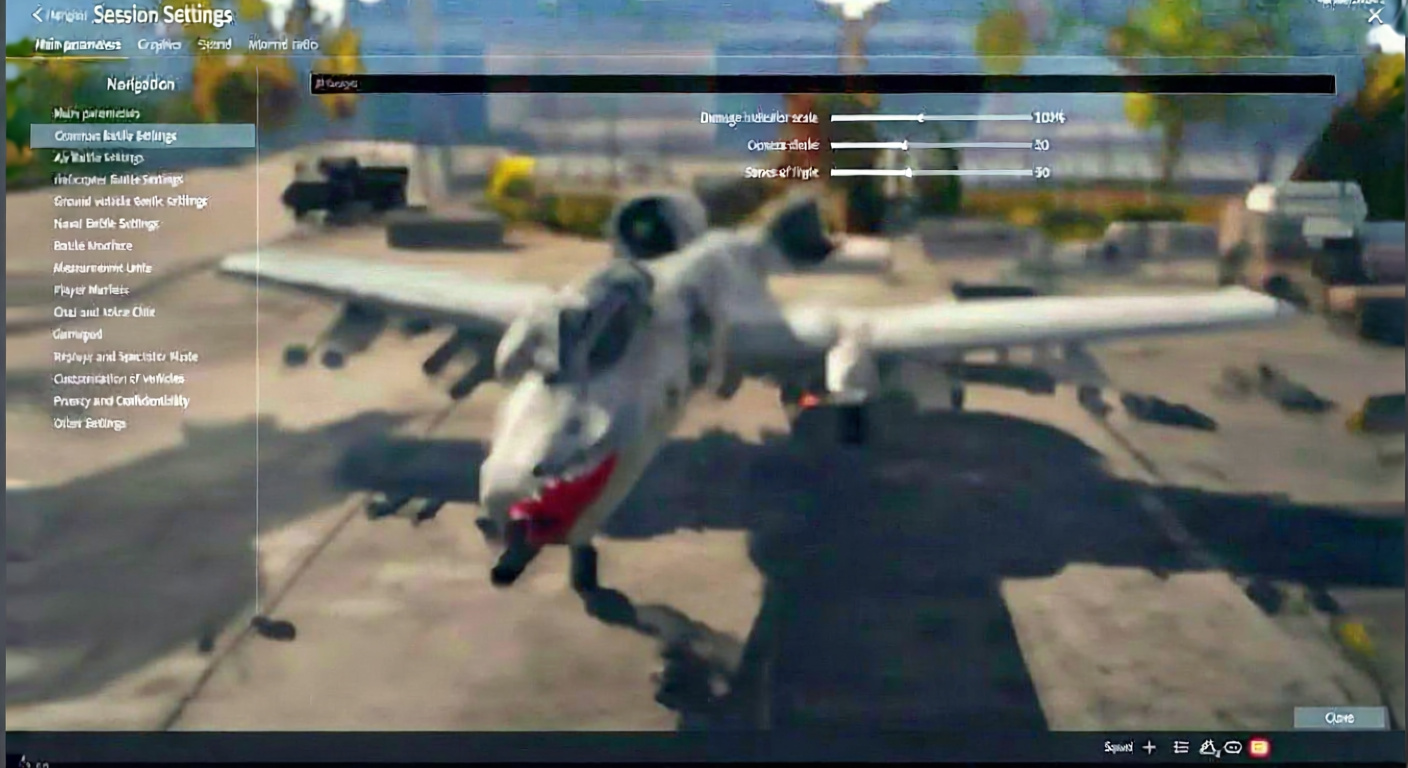
- Bomb Fuze Timing – set pre-spawn; 1.5-2 seconds fits mid drops. CAS folks, test your heights.
- Autopilot for Gunner/Bombsight: No – it fusses angles and botches runs
- Hit Indicator Fade Time: 8-10 seconds – keeps hit arrows up in pile-ons
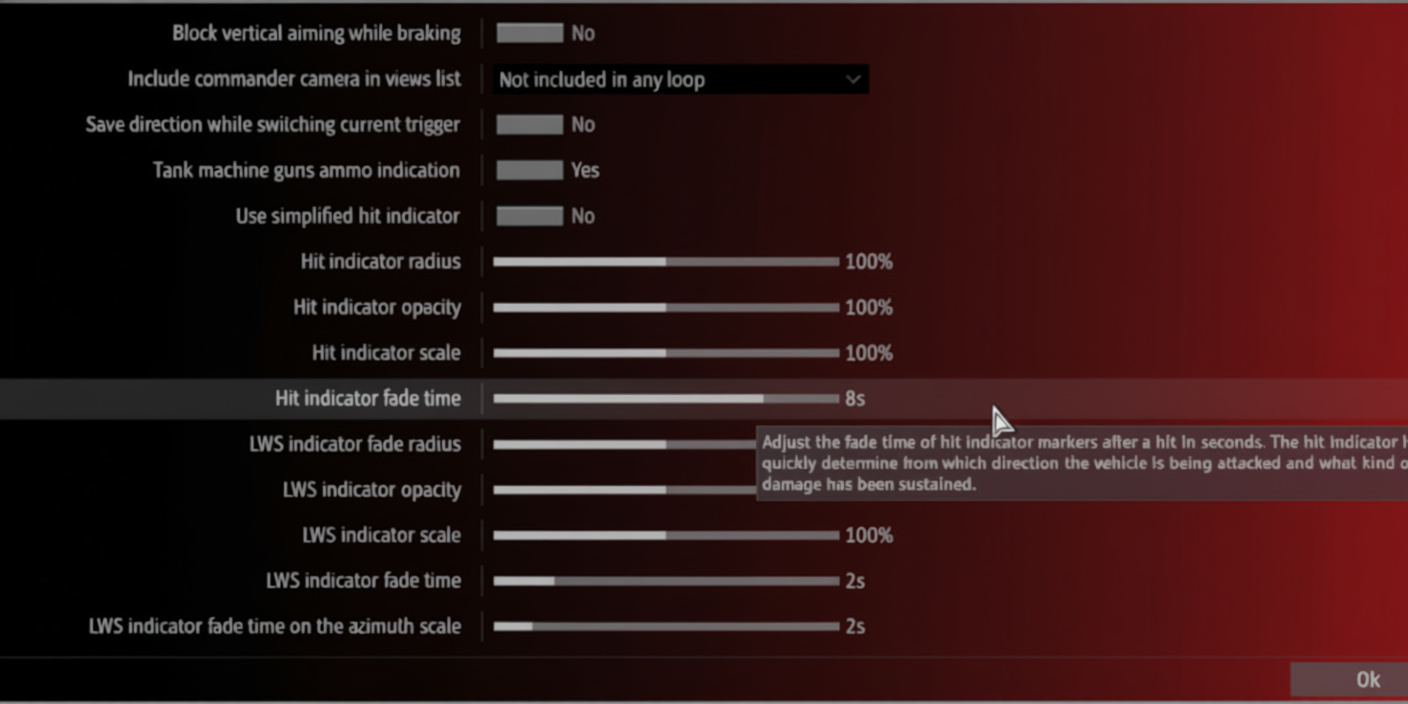
- Fuel & Ammo Indication: Always – why hide basics
- Temperature Indication – pick; “Always” clutters, “Automatic” misses heat spikes sometimes
- Chat Settings:
- Chat Messages: All – foes slip tips in text
- Radio Chat: High volume – crew calls drop intel
- Measurement Units: Metric – matches guides and data; easier grind
Quick Configuration Table
| Setting | Visibility-Focused | Performance-Focused | Quality-Focused |
|---|---|---|---|
| Anti-Aliasing | Off | Off | DLSS/TSR |
| Shadows | Minimum | Low | Very High |
| Particles/Grass | Off/Low | Low | High |
| Tree Range | 40-50% | Low | Maximum |
| SSAO | Maximum (if possible) | Off | Maximum |
| Terrain Displacement | Low | Low | Maximum |
| Sharpness | 80-90% | 60-70% | 70-80% |
Practical Gameplay Tips That Complement Settings

Even dialed settings flop on bad plays: practice beats perfect settings
- Always run a lineup – solo grinds slow, misses lessons
- Use third-person camera to peek over cover while staying ghost
- Stop before shooting – motion kills aim; still is lethal
- Research modifications along progression paths for RP bonuses
- Smoke grenades for micro-repositioning – quick puffs hide shifts
- Side-scraping angled armor – angle sides to ricochet, peek back
- Reverse when hull armor is weak – backs sometimes tank better
- Switch to defense if teammates die pushing – lone wolf after wipe is death
Configuration Import & Presets
Community drops solid control files for gear. Import steps:
- Grab the .blk file
- Controls menu → Import icon (bottom left)
- Pick the file
- Some need “Simplified Controls” with View; read notes
Hot categories:
- Full keyboard + multi-button mouse setups

- Logitech sticks (X52, Extreme 3D Pro)
- Xbox controller tweaks

- Sim relative modes
Heads-up: advanced ones expect extras (numpad, side buttons, macros). Test fit first.
Testing Your Configuration
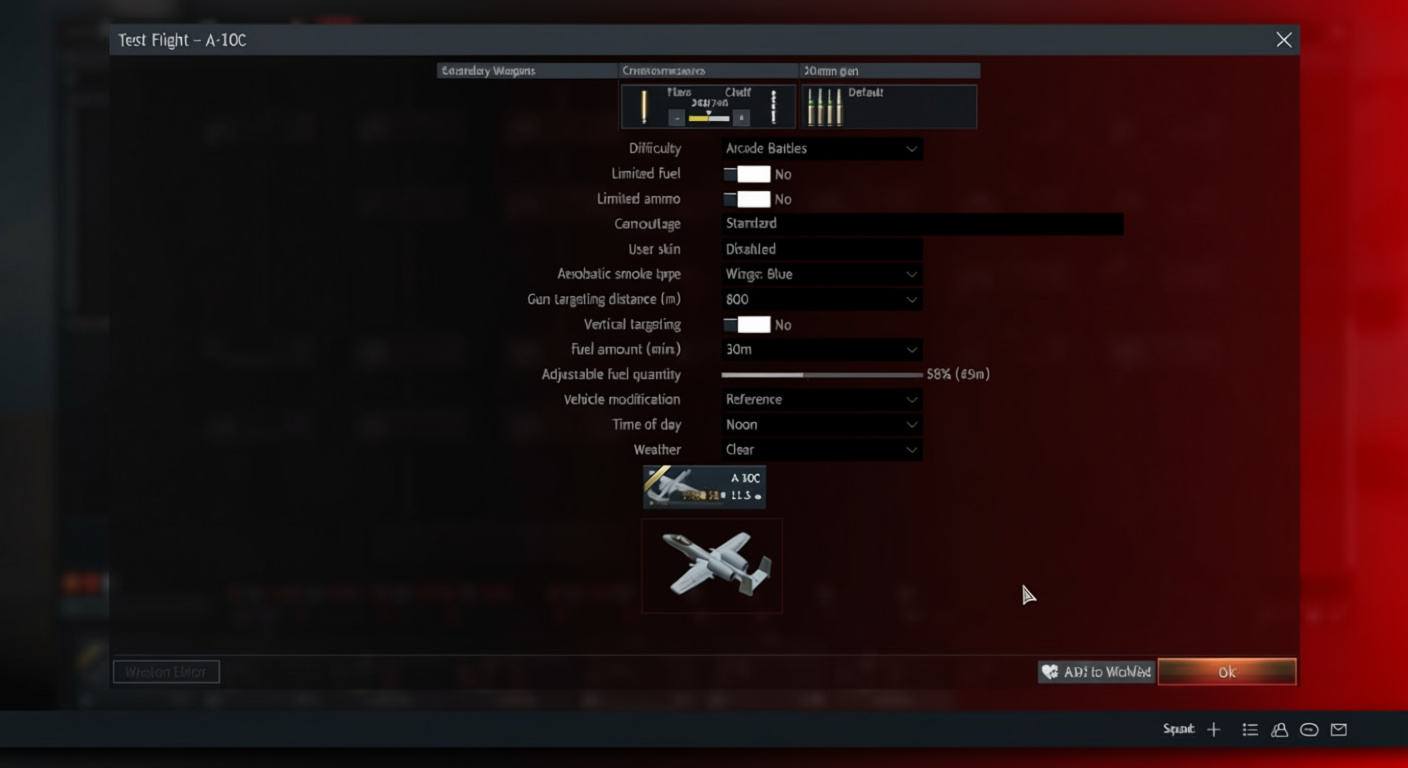
Apply, then check: verify in real conditions
- Custom battle, hunt static tanks at ranges
- FPS hold in blast fests (shells, booms)
- Engine audio clear in cities
- Controls snap without delay
Rigs vary – these start strong, but fiddle for your GPU/CPU mix and taste. Optimized over meh means more kills per round – don’t sleep on it.
Bookmark this; Gaijin’s menus twist with updates, and you’ll need it quick.