

Look, I’ve wasted countless hours glaring at error screens when all I craved was jumping into a solid tank skirmish. Crashes in War Thunder don’t just bug you out – they straight-up ruin your grind when the game flakes mid-session. I’ve wrestled these glitches personally and dug into the real triggers behind them. Everything you need is laid out here – no digging through dusty forums or chasing dead-end fixes. Pin this for quick access; I’m hitting all the big headaches with steps that deliver results.
The Most Common War Thunder Problems (And Why They Happen)
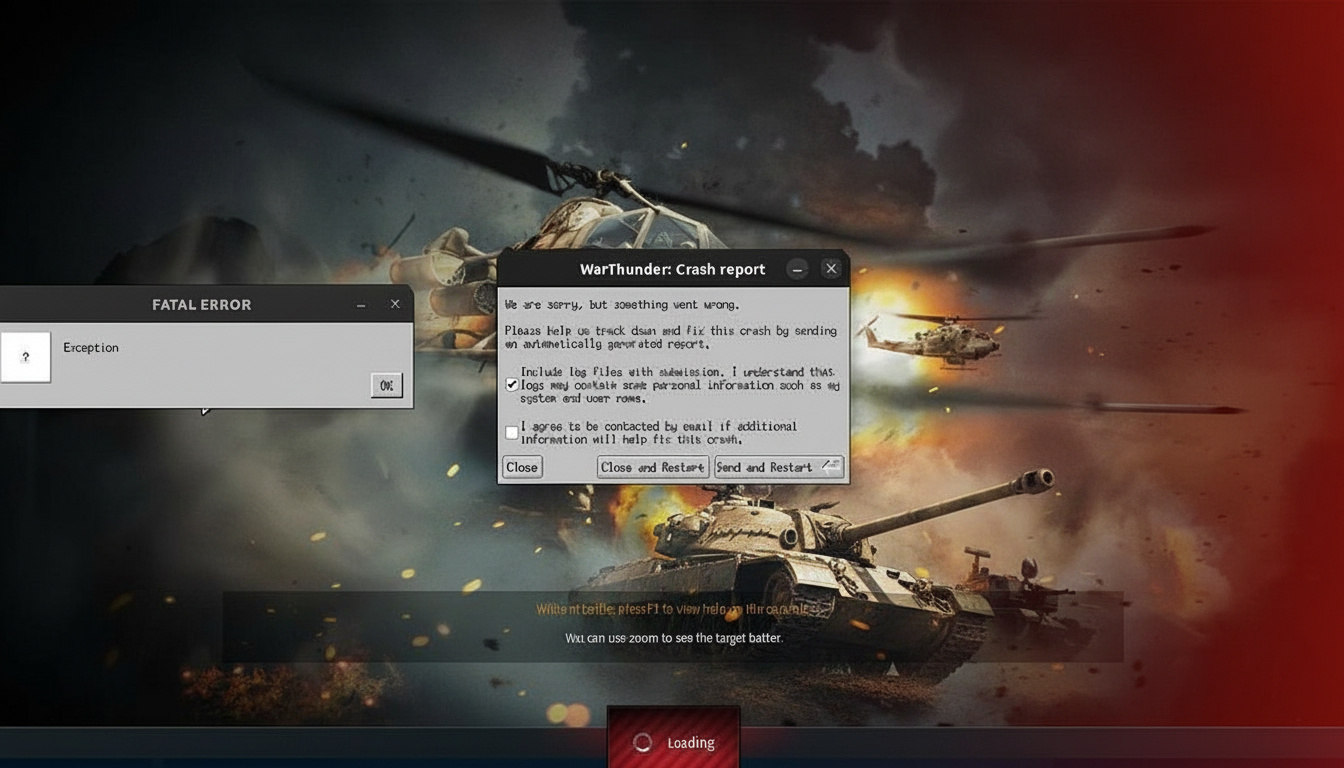
Fatal Error Exception – The Dreaded Crash on Launch
This hits hard. You click Play, catch a glimpse of the loader, then crash – right into that “Fatal Error Exception” popup.

What’s causing it:
- BattleEye anti-cheat clashing during setup (it blew up big time once they pushed it live)
- Windows Defender or other antivirus locking down files
- Busted bits in the launcher itself
My solution that actually worked:
Skip the launcher entirely at first. Head to your install folder and fire up
aces_BE.exestraight from there. Weirdly enough, it dodges whatever’s tripping the launcher.
Next up: Slap your full War Thunder folder into Windows Defender’s ignore list. Not piecemeal – the whole damn thing. Like this:
- Fire up Windows Security → Virus & threat protection
- Hit “Manage settings” under protection settings
- Drop to “Exclusions” and tap “Add or remove exclusions”
- Toss in your full game path (often
C:Program FilesSteamsteamappscommonWar Thunder)
Launch as admin after. Right-click the icon, pick “Run as administrator” – that alone can flip the switch sometimes.
File Read Errors – The Random Tank Terror

Few things grind your gears like “ztz96x_ray error” or whatever nonsense popping up as you queue a match. The tank name flips every time; one day it’s a Sherman, next it’s a T-34, then pure chaos.
Root cause:
- Mangled files from botched updates
- OneDrive or cloud junk interfering with your setup
- Shader cache gone haywire
Fix sequence I recommend:
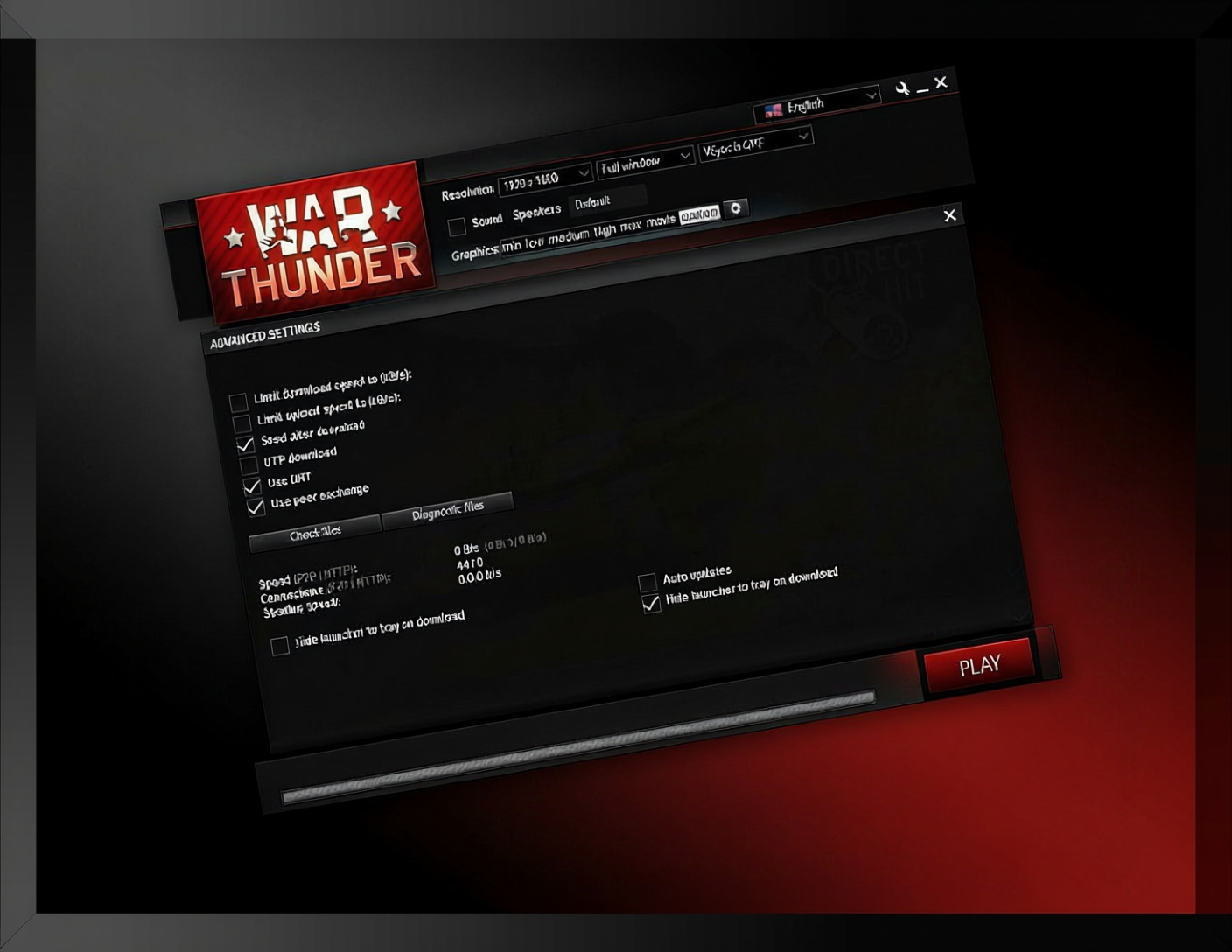
Kick off with a file check – hit the spanner up top right in the launcher → Check game files. Give it time to grind through.
No dice? Go harder: Wipe the compiledShaders folder in your War Thunder dir. Next run rebuilds it fresh, usually nuking the glitch.
Still no go? Nuke the whole contents folder (heads up – you’ll redownload assets). A buddy of mine pulled this weekly until a patch sorted the root mess, but at least he could play.
Extreme measure:
Yank War Thunder out completely, scrub the folder by hand, and hunt leftovers in AppData (Win+R, %appdata%, scan for War Thunder traces). Clean reinstall from scratch.
Error 81110013: “Fail to Load Player Profile”
This vague alert just screams the client can’t grab your account sync from the servers.
What’s happening:
- Profile pull timing out on server links
- Stale cached data rotting away
- Wonky network paths to Gaijin’s setup
Solutions to try:
Purge cache via launcher options. Then reboot your router and rig – old-school power cycle, but it reroutes your server handshake solid.
Hanging tough? Hook a VPN to another region just to log in. Drop it once you’re rolling in-game.
BattleEye System Freeze – The Nuclear Option Problem
Plenty of folks see their whole rig lock solid post-BattleEye install. Not only War Thunder – everything grinds to a halt.
Why this happens:
BattleEye digs into kernel mode and butts heads with odd system tweaks, rival anti-cheat, or clock boosts.
Mitigation steps:
- Shut down RGB apps (Razer Synapse, Corsair iCUE – they clash bad)
- Kill CPU/GPU overclocks pre-launch
- Grab fresh motherboard chipset drivers
- Rollback any recent Windows updates if the freezes kicked in after
No silver bullet here; it’s tied to your hardware quirks. Some had to pick War Thunder over a steady system till updates patched it.
DX12 Memory Leak with HDR & FSR
DX12 plus HDR and FSR on? Memory leaks build till it dumps you to desktop.
Workaround:
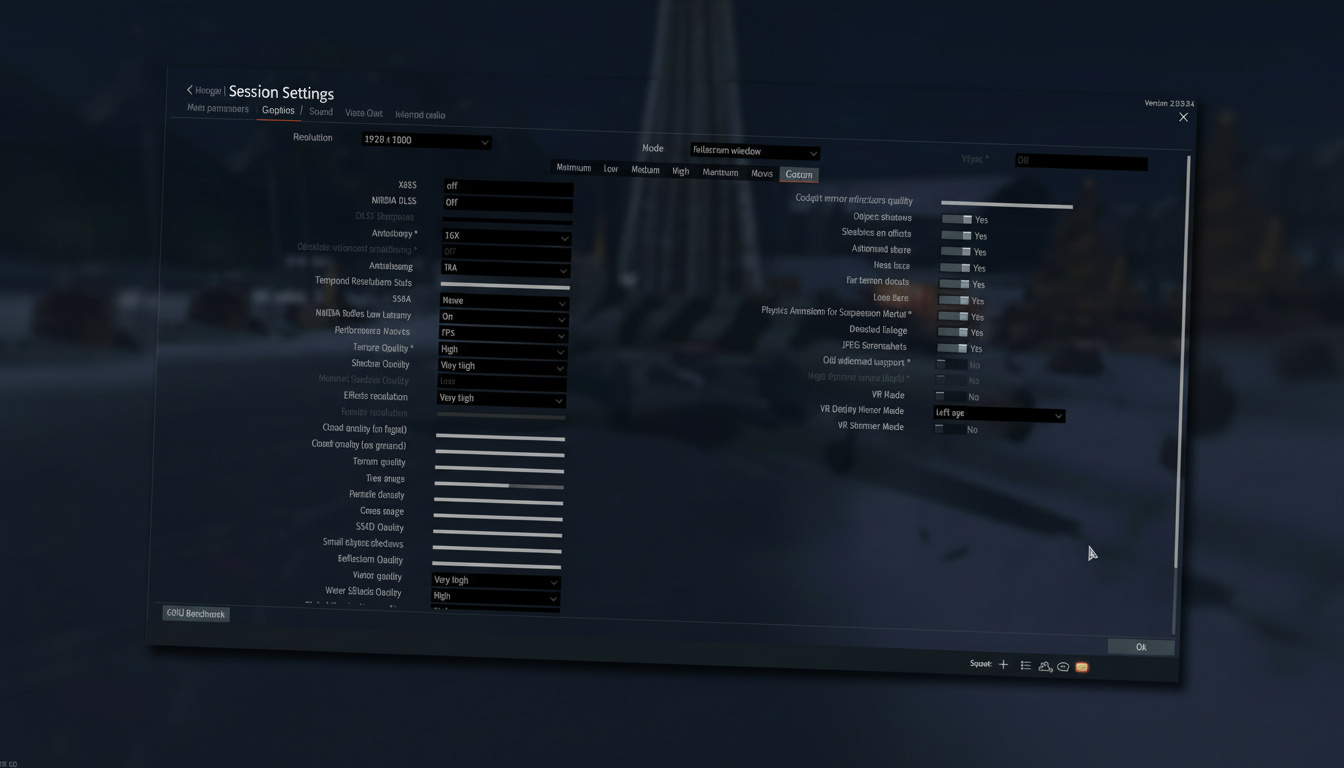
Flip to DX11 in graphics, or kill HDR or FSR. Sucks if you’re chasing peak visuals, but it stops the crashes cold.
Internal Server Errors & Session Failures
You dominate a match, lead the pack, then “Server Disconnected.” Battle vanishes. Zero rewards. Replay’s there, but you score zilch.
What’s going on server-side:
Reports from a couple months back point to DDoS slams overwhelming servers, sparking disconnect waves. Plus, database hiccups blocked session saves.
Player-side fixes (limited):
- Peek at Downdetector before blaming yourself. If reports spike together, it’s Gaijin’s mess – sit tight.
- Flush DNS cache (admin Command Prompt →
ipconfig /flushdns) - Swap server regions in settings if one’s acting up
Packet Loss Making Matches Unplayable
20-30% packet loss everywhere turns battles into a choppy mess.
Diagnosis:
Not always your line. Routes to Gaijin servers swing wild – Argentine players pinging US hubs get hammered no matter their speed. Test against other games or ping traces to nail if it’s War Thunder-only.
- Trace routes and sample pings to Gaijin nodes to spot where loss begins
Potential solutions:
- Hit up your ISP if traces show loss on Gaijin paths (bad routing’s their fault)
- Grab a gaming VPN for better paths (WTFast, Exitlag, stuff like that)
- Jump in off-peak when loads ease
- Cycle regions in settings if options exist
Lesser-Known Issues That’ll Drive You Mad
SPAA Search Radars Not Activating
Post-last big patch, AA vehicle radars flat-out refuse to spin up for some. Bug tickets to Gaijin pile up – crickets in response.
No fix but dodging radar-reliant rides or crossing fingers for a quick patch.
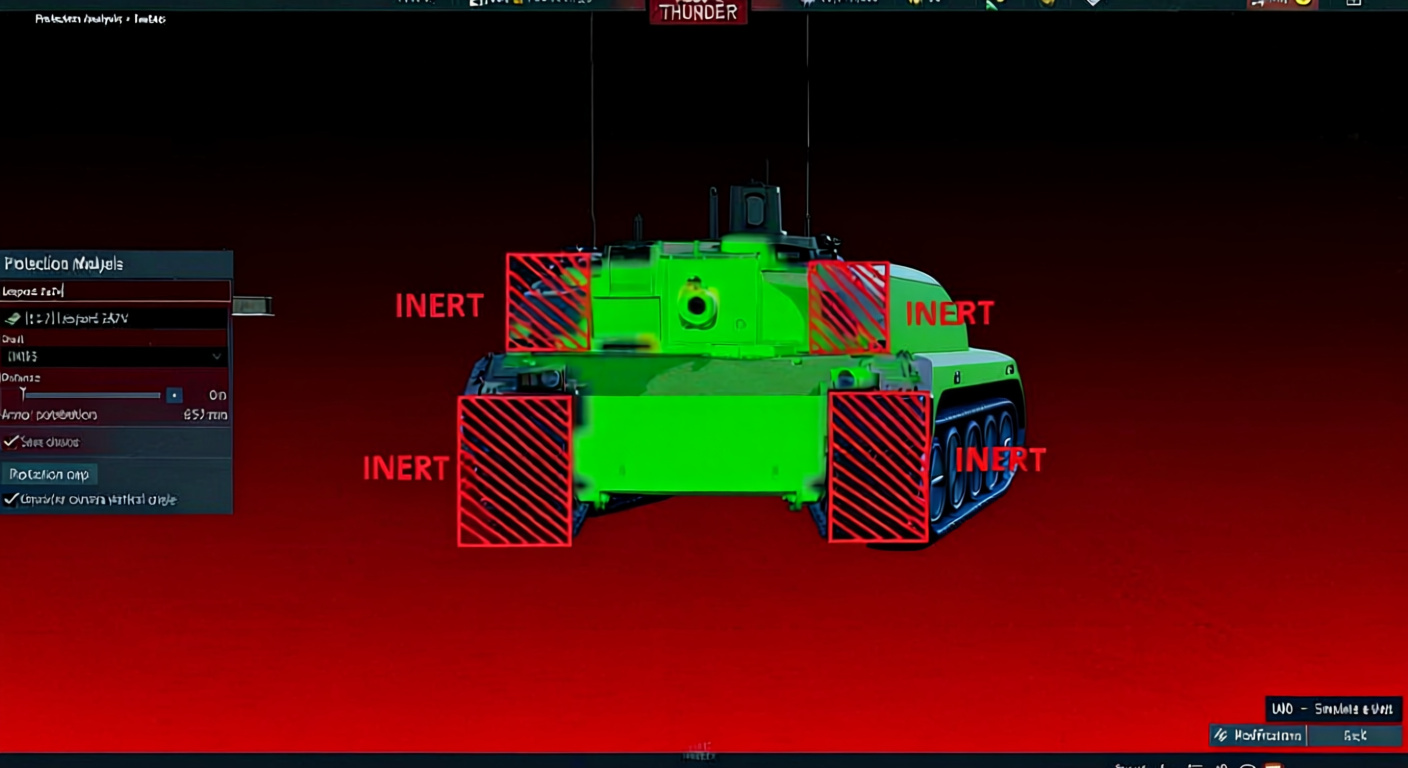
ERA Blocks Visual Glitch
ERA panels stick around visually after blowing, even though they’re toast (X-ray confirms). Outside view keeps ’em looking fresh, throwing off your armor reads in fights.
Just a looks glitch – gameplay’s fine, but it confuses the hell out of close calls.
Stuck at “Analyzing Files…” During Update
Launcher stalls dead at file scan in updates.
Quick fix:
Kill it via Task Manager (axe all War Thunder tasks) Game folder → trash download_cache Relaunch – update rolls on.
Black Screen of Death with Kernel Mode Heap Corruption
BSOD with “kernel mode heap corruption 0x13a” tanks your whole system.
Points to driver or hardware beef – not straight War Thunder blame, but it sparks the instability.
Investigation steps:
- Hit Windows Memory Diagnostic
- Clean GPU driver swap (DDU old ones first)
- MemTest86 for RAM faults
- Admin CMD →
sfc /scannowfor system files
Platform-Specific Headaches
Steam Version Issues
Game Update Problems:
Steam’s auto-patches sometimes trash files. Post-update weirdness?
Steam verify:
Library → right-click War Thunder → Properties → Local Files → Verify integrity
Fails on loop? Steam uninstall, manual folder wipe, then fresh pull.
Purchase Not Received:
Steam Eagles buy goes through but ghosts? Steam history check – if paid but missing, ping Gaijin with receipt. Sorts in a day or two usually.
Console Account Transfers
PS or Xbox to PC shift? Link console account to email on Gaijin’s site first, then hook in PC launcher.
Important: Progress ports over, but premium buys might snag on platform rules.
Performance Issues Beyond Crashes
Games Crashing After ~2 Minutes
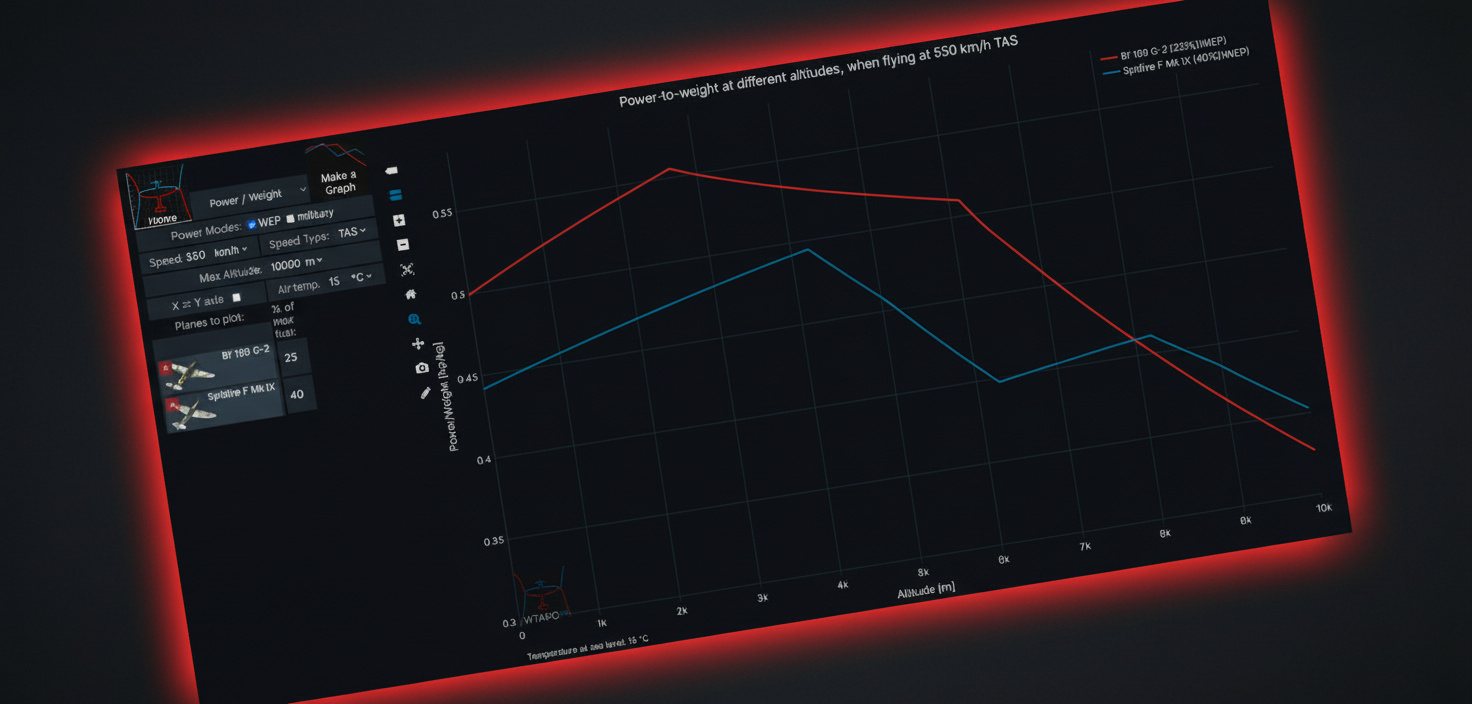
Every match dying at 2-3 minutes screams heat or shaky clocks, not code bugs.
Check:
- GPU/CPU temps in play (HWMonitor watch)
- PSU voltage steady
- Dust clogging coolers
Connection Lost Despite Stable Internet
Discord smooth, web fine, but War Thunder drops you constant.
UDP ports get choked by routers or ISPs – War Thunder leans on specifics.
Port forwarding solution:
Router login (often 192.168.1.1 browser) Forward UDP 20010-20200 and 7852-7853 to your PC IP Save, router reboot
The Nuclear Option – When Nothing Else Works
Tried it all and still nada?
Full clean slate approach:
- Uninstall via Control Panel/Steam
- Wipe game folder total
- AppData hunt (Win+R →
%appdata%→ nuke War Thunder; same%localappdata%) - CCleaner or kin for registry scraps
- PC reboot
- Install elsewhere (C:Program Files before? Try
C:GamesWarThunder)
Spot choice beats default paths – Windows perms and OneDrive sync play nicer off the beaten track.
About Formatting Your PC
One forum guy pushed full format. A PC tech buddy shot it down hard for game woes.
My call? Overkill for 99% of crashes. Hand-cleaning leftovers does the job without torching your setup. Hold format for total Windows rot – not these.
Preventive Measures So This Doesn’t Happen Again
Keep these practices:
- Defender exclusions pre-big patches
- Default admin run (shortcut right-click → Properties → Compatibility → Run as administrator → Apply)
- OneDrive off games dir
- 50GB+ free on install drive (low space fragments weird)
- Skip alt-tab on loads or fights (messes sessions)
Update schedule awareness:
Big drops shake things loose. Hold off 24-48 hours post-patch – Gaijin patches bugs, forums spot detours.
When It’s Gaijin’s Problem, Not Yours
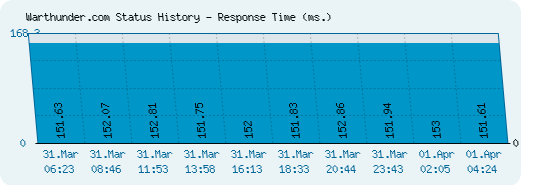
Game’s busted their side sometimes. Red flags:
- Downdetector spikes same time
- Official status page flags trouble
- Subreddit drowning in same gripes
- Buddies hit identical walls
Quit fiddling – wait ’em out. Chasing fixes on their turf burns time pointless.
Final Thoughts on War Thunder Stability
Straight talk – War Thunder’s got bugs a vet like this shouldn’t. BattleEye rollout stumbled; servers choke peaks; verifies spot but don’t always heal.
Still, fixes exist for most. Pulled every solid one here ’cause forum crawls and Reddit mess is a drag.
Error hits? Simple first: verify, exclusions, admin relaunch. Escalates to deletes or reinstalls. Bulk sort in top three tries.
Worth the fight when smooth – nothing tops its vehicle brawls. Stash this for the next breakdown; it’ll come.