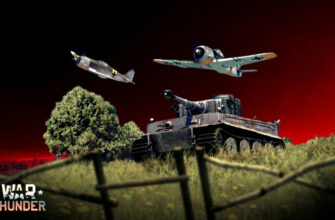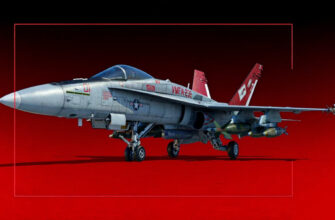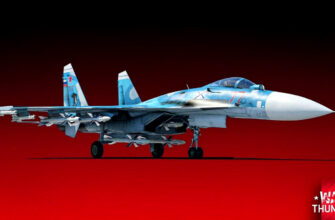


Grabbed a sweet skin for your go-to plane or tank, and it loads up all pixelated or just vanishes? Or you’ve got a stack of camos clogging your inventory, scratching your head over how folks turn them into Gaijin Coins without spending a dime. Been right there myself, and yeah, War Thunder’s camo setup throws curveballs until you crack the code. Fixing skins so they actually show and squeezing coins from the market are the two big wins I focus on.
Why Your Camos Look Like Garbage (And How to Fix It)
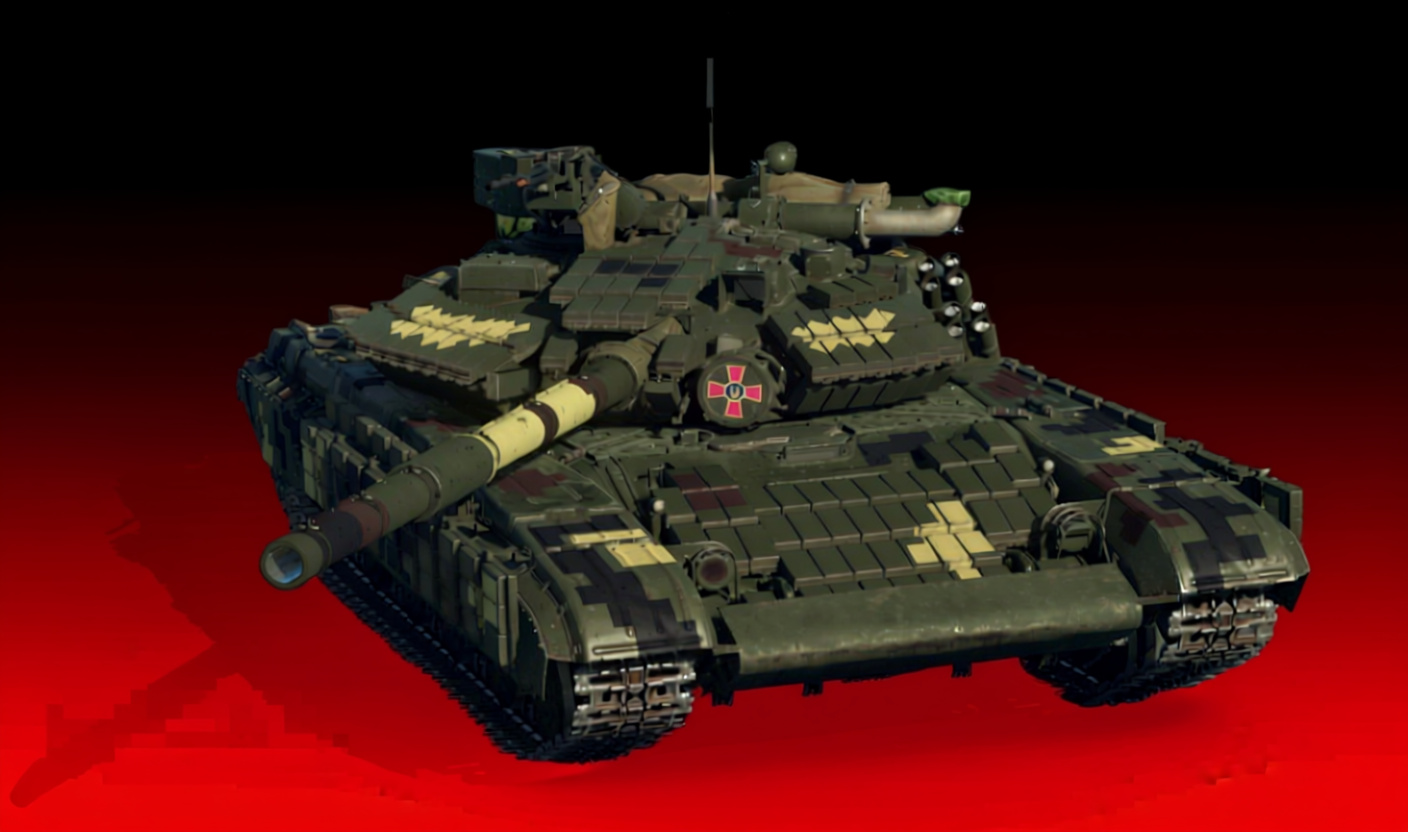
If your skins pull up but resemble something from the PS1 era, pin it on a couple usual suspects.
Common causes:
- Partial client setup (defaults to crap-res textures, no surprise)
- Laggy net forcing the game to bail on decent loads
- Busted files begging for a swap
- Hidden quality tweaks you overlooked
Kick off the repair in the launcher. Punch that “Check Files” option tucked in settings – it grabs fresh copies of any mangled or absent textures. Dead simple, but it sorts more headaches than you’d guess.
Planes and tanks don’t play nice with camos the same way, either. Tanks slap a single sheet over the whole rig; planes pull in dedicated high-def files per skin. No wonder your ground pounders shine while fighters turn into smudges.
The Full Client Question
Double-check “Full Client” is ticked in launcher options. Half installs squeeze textures to cut space – fine if you’re pinching bandwidth, but if visuals matter, ditch that shortcut.
Dialing in at 30 kb/s or worse (we’ve all suffered that dial-up vibe), the game times out on HD camos and settles for sludge. Defaults to stock paint or a fuzzy stand-in every time.
Quick diagnostic:
- Every custom skin a disaster, or just a few?
- Kicked off post-patch, or always this rough?
- Tanks crisp, planes bombed?
Files checked, full client locked in, still no dice? Snag your logs and shots, drop a bug ticket in the tech forum. Devs crave that intel to hunt your glitch.
Using Skins on Duplicate Aircraft (The Template Trick)
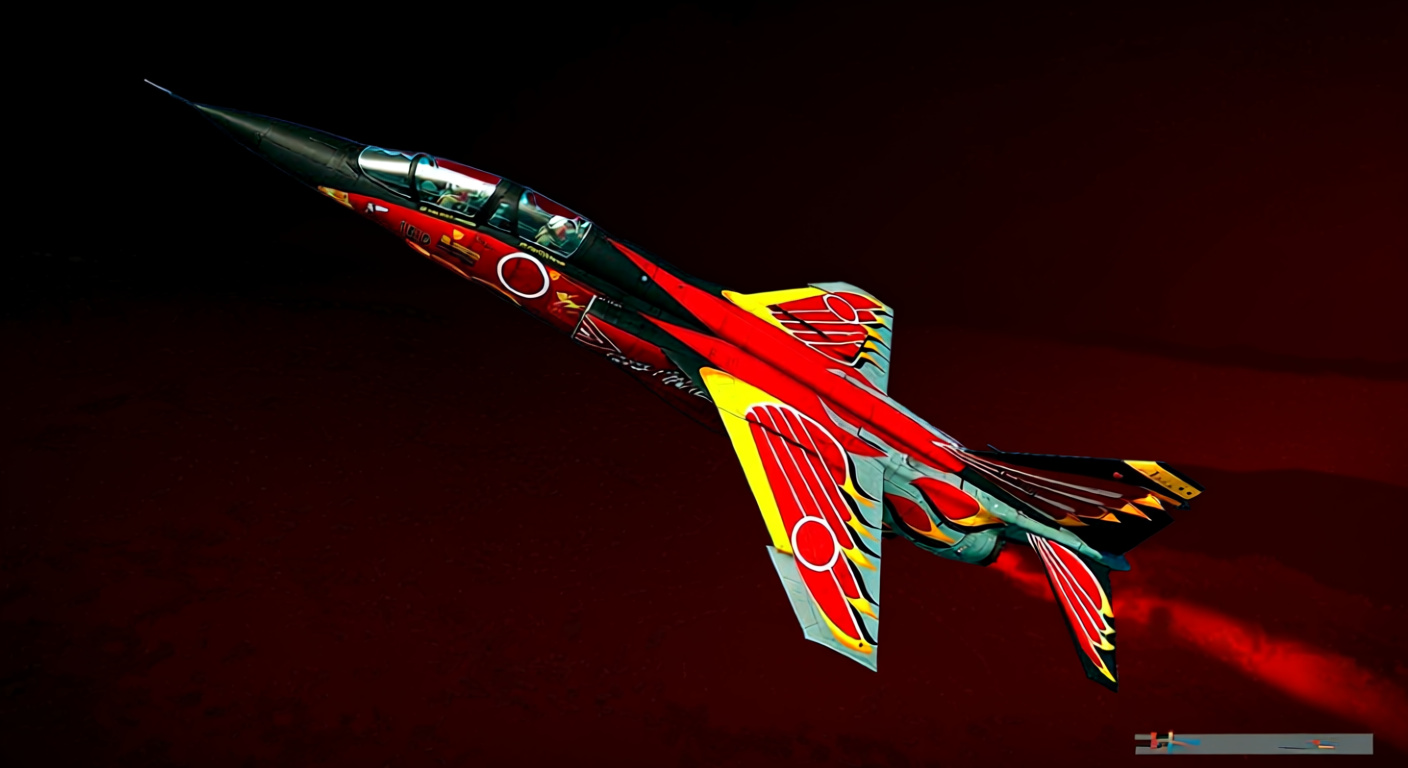
Handy as hell for premium camos locked to one plane type when you want them on its near-identical sibling. Like swapping F-16s between squads, or the Bf 109 swarm that might as well be clones but register separate. Template trick saves time.
Steps aren’t rocket science once you’re in the groove:
- Whip up a user skin sample file – spits out “template” on creation
- Snag the skin you’re eyeing to shift
- Drop it in UserSkins
- Refresh the client – original pops in
- Core move: clone the skin folder, slap a new name on it
- Crack the template with a text editor
- Swap the source plane tag (say “G14”) for your target (“F4”)
- Save, refresh in-game
There – G-14 camo slots right into F-4 options. Basically whispering to the engine, “This wrap fits both, roll with it.”
Pulled this off on Spitfire tweaks, P-51 packs, MiG-21 lines, no sweat. Stays clean if models match tight.
- One warning: Mismatch on tanks, guns, or frame bits? Get ready for pokes through textures or wonky fits. Nails it on dead ringers.
Farming Gaijin Coins Through Marketplace Trading (No Real Money Required)
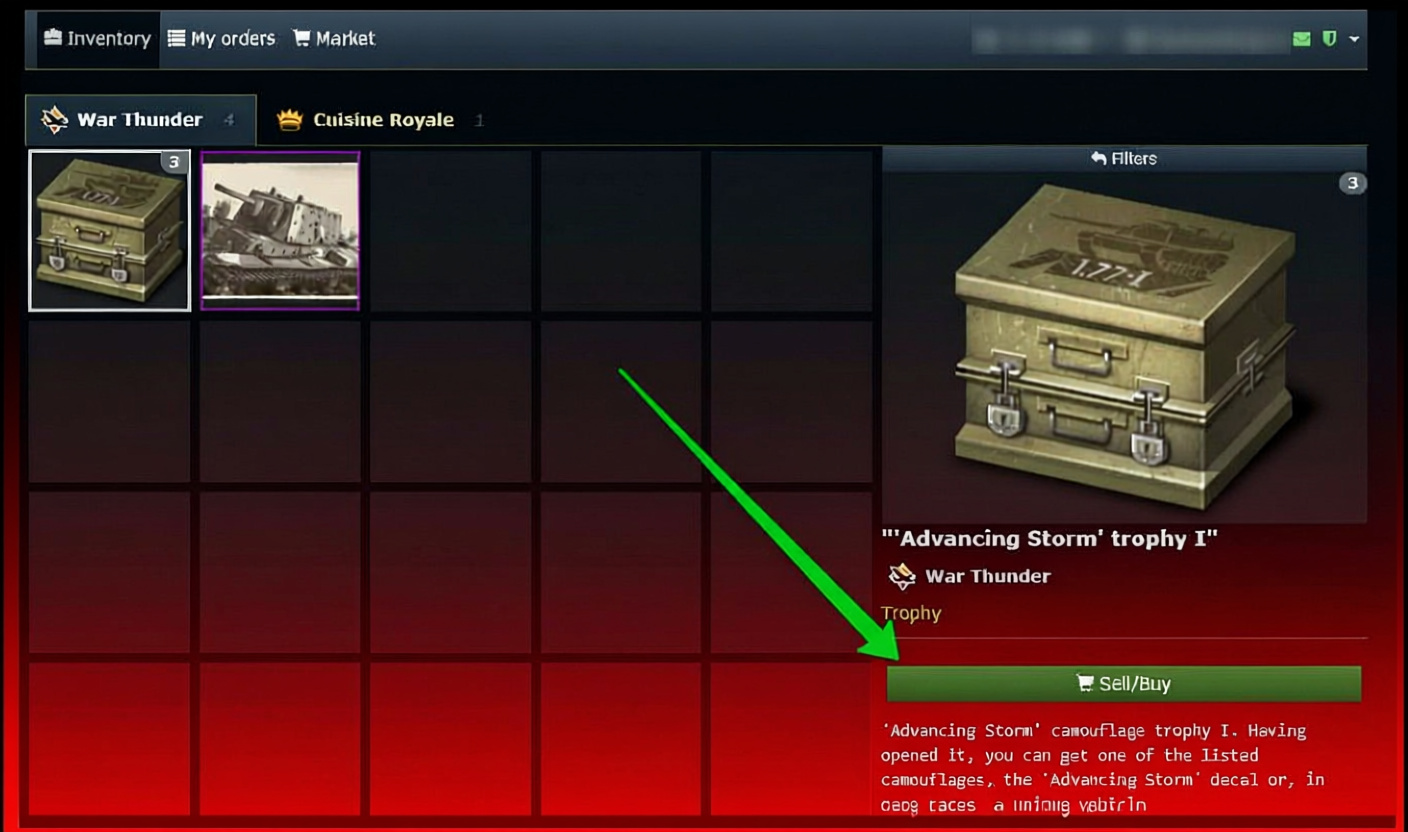
Now the real hook. Flip camos on the market to brew premium cash – zero buys, zero ties, pure hustle open to all. Volume over margin is the mantra here.
Crunch the numbers:
Camo lists at 0.70 coins, buy orders lag at 0.67. You snipe a buy at 0.68 - tops the queue. Seller bites, you flip it quick at 0.96 coins.Gaijin skims 15% per deal (cut's non-negotiable). That 0.96 nets 0.81 coins post-slice.
Profit breakdown:
- Buy hit: 0.68
- Post-fee take: 0.81
- Clean gain: 0.13 coins each go
Tiny bite? Sure. But 20-30 rounds stack to premium ride funds. Grind volume, stay steady.
What to Trade and What to Avoid
Hunt low-end camos – 0.50 to 1.00 coin bracket. Eye the price chart for real flow. One moving five times daily beats a dusty high-margin dud.
Nip prices tight (0.01 jumps) to edge out bids. Trio at 0.68? You hit 0.69. Easy edge.
Critical mistake to avoid: Game auto-slaps fitting camos from inventory onto your ride in battle. Hoarding 10 cheap tank wraps, queue that tank – boom, stock’s torched. Stick trades to unused vehicles, or watch loadouts like a hawk.
Best Camos to Flip
Post-Update 2.51.0.36, Spearhead Trophy unleashed 40 fresh user skins – 18 ground, 18 air, 2 ships, 2 choppers. Fresh drops spark rushes, fattening spreads short-term.
Festive skins surge around events too. Nailed flips on:
- New Year wraps (FlaRakRad SPAAG holiday twist)
- Timed liveries for hot premiums
- Tourney locks that hit trade later
Workshop and CDK drops leak to market – early grabs pay big, collectors bite hard on uniques.
Recent Premium Packs and Guaranteed Value
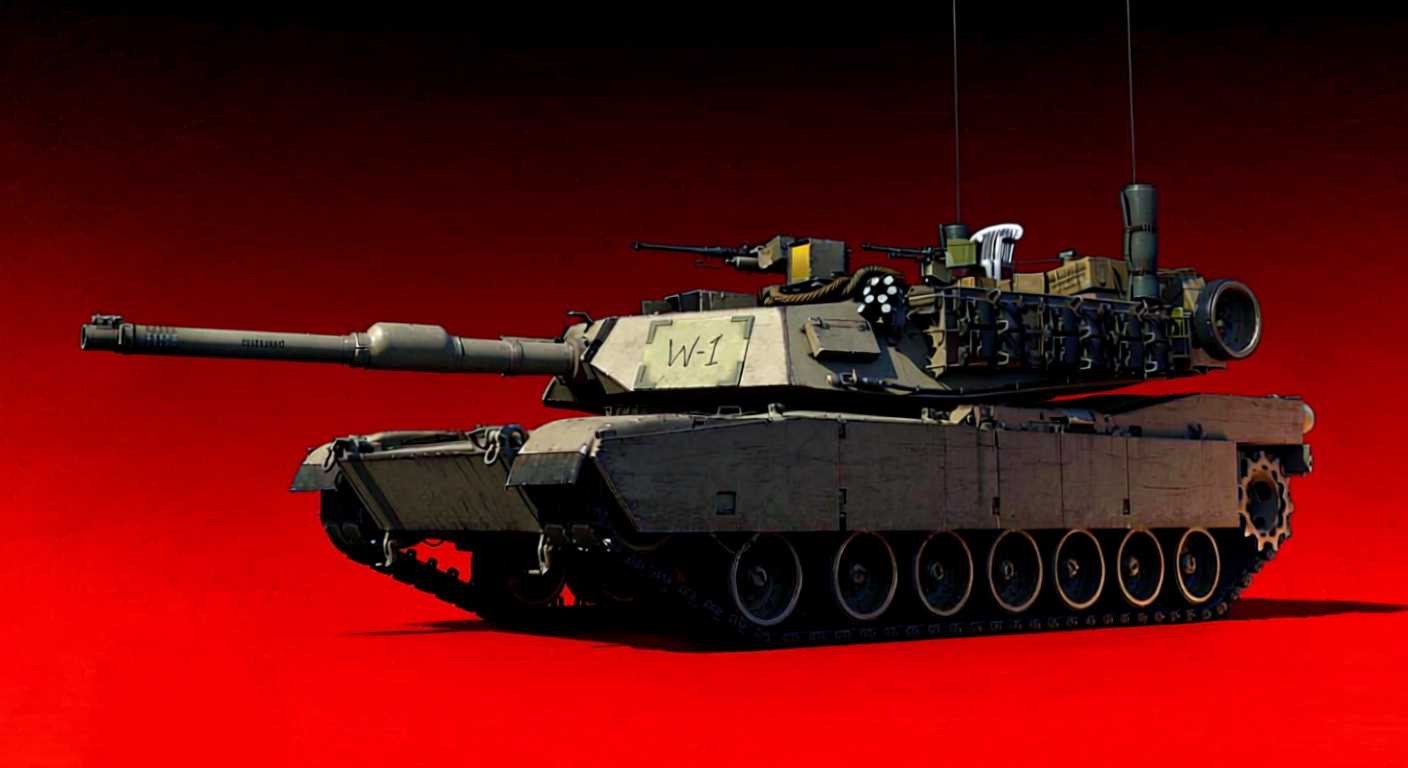
On coins and bang – bundles keep landing with real grind sense. Latest Tiger pack dumps three variants for $30, solid pull for German mid pushers.
“Nuke guarantee” depends on your aim (gotta deliver), but varied spawn costs keep you in the fight. Pair with team rolls, and you’re a beast.
No pitch – just calling packs that crush value-per-ride, and this one’s prime.
Camouflage Updates and the Workshop System
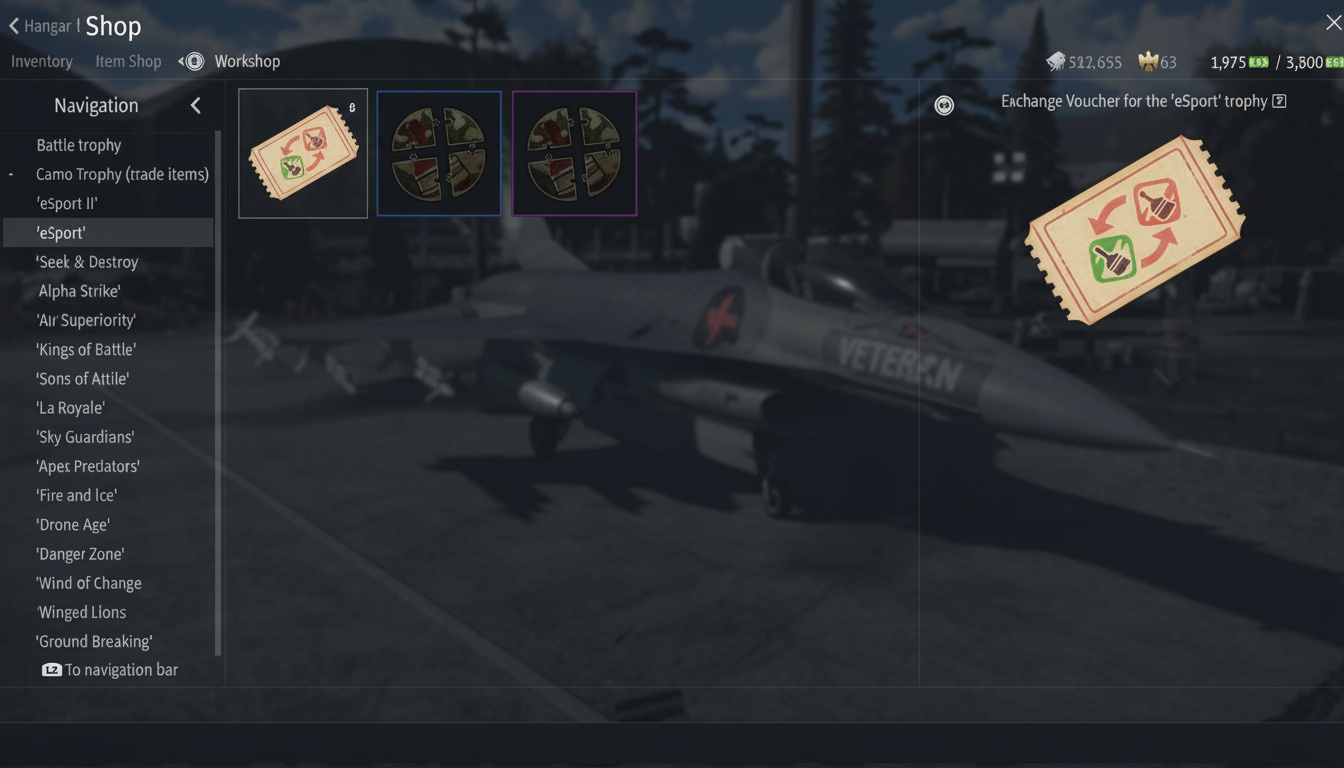
Crafting via CDK? Update path for features runs like:
- Link your camo build
- Toss a quick blurb with pics of tweaks
- Tag dev (@KCCC_g) in post comments with update rundown
- Or ping mods direct with details and ask
Workshop flow ties Custom Gray Hangar and Gaijin Contribution Agreement – stiff, but gate to game or market slots.
Recent standout submissions I’ve seen:
- Arknights mashups (Wisadel on BMPT-72, Lappland for Su-30 types)
- History nods like Red 55 MiG-25RBT from Khodynka exhibit
- Anime wraps that click visually, wild on tanks though
Latest Patch Notes and Bug Fixes (Update 2.51.0.36)

Spearhead Trophy skins aside, patch squashed ongoing gripes:
- ESA radar lock tweaks
- Plane flight model patches
- Chopper hitbox shifts
- QoL bumps across board
Doesn’t touch camos direct, but solid radar and tuned damage let you stick around to flex those grind-earned wraps.
Launcher Settings You Probably Missed
Launcher hides a camouflage quality slider from 50% to 100%. Stuck at 75%, skins underwhelm vs. shots? Culprit found.
Max to 100%, redownload textures if prompted, watch it sharpen. Old iron might dip frames in crowds, but if it runs, crank it – no excuses.
The Steam Verification Problem
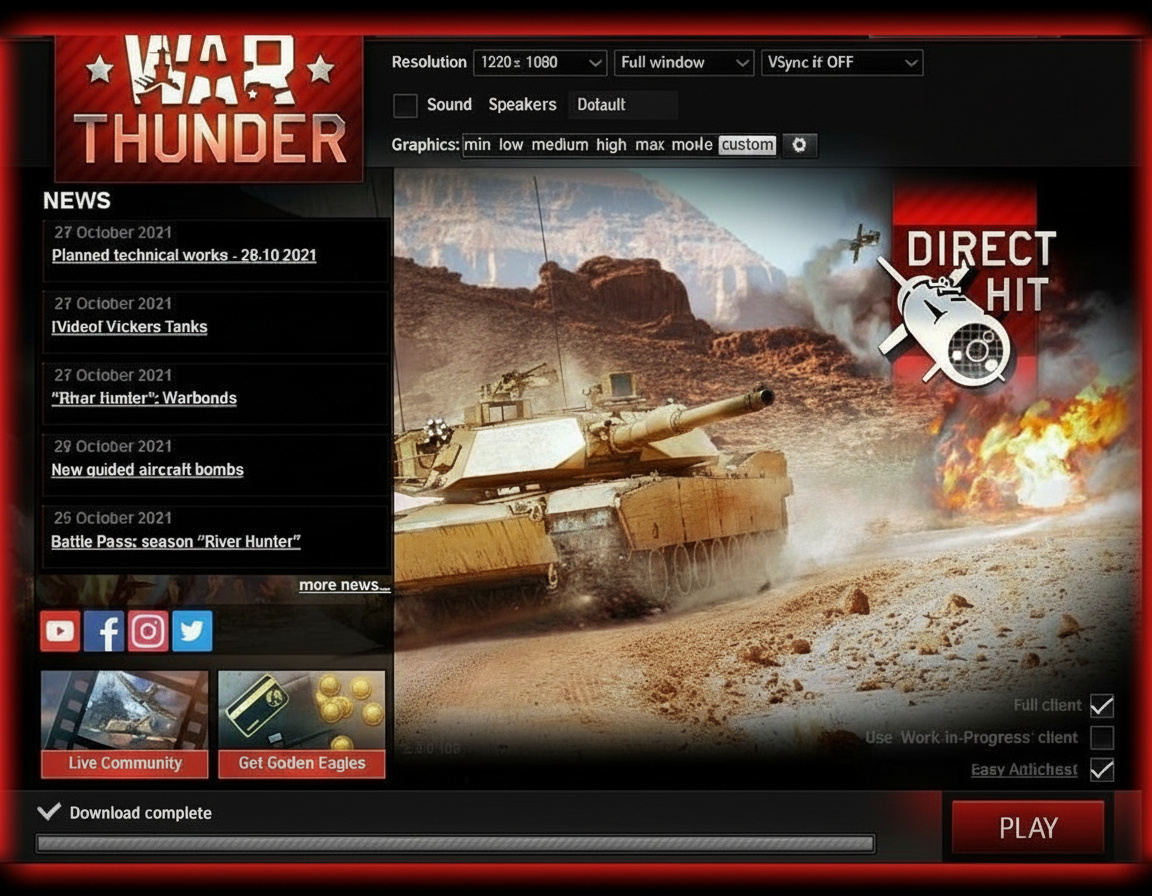
Firing via Steam, “Verify Integrity” greyed? Updates route through Gaijin’s launcher, not Steam’s pipe.
Steam’s just a quick-start wrapper here. File wrangling stays in Gaijin’s tool, so “Check Files” is your real fix.
Community-Created Holiday Skins (2026 Collection)
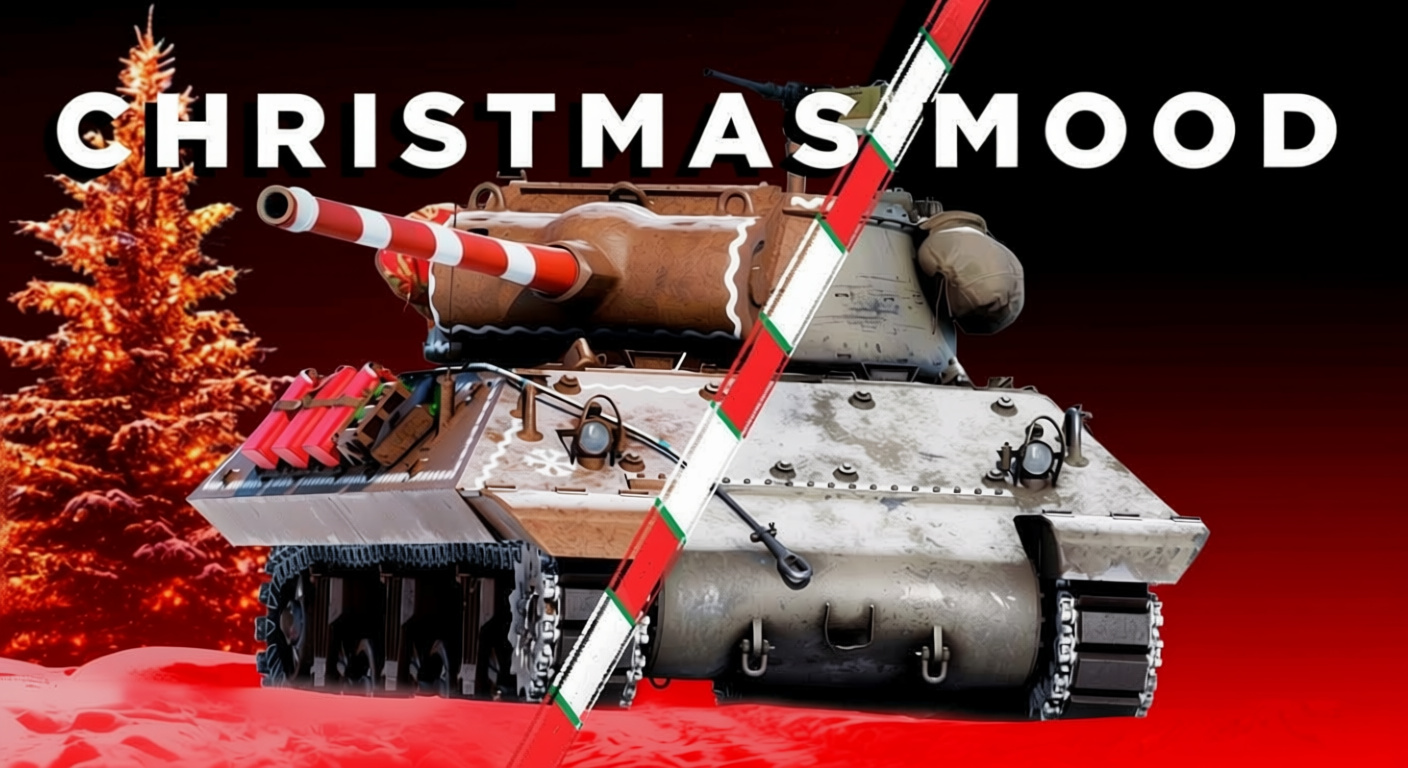
Annual fest wave hits – official drops mixed with fan jobs. This round’s haul:
Aircraft:
- J35D Draken holiday scheme (deadghostjt’s take)
- JH-7A crimson coat (Kriksas)
Ground vehicles:
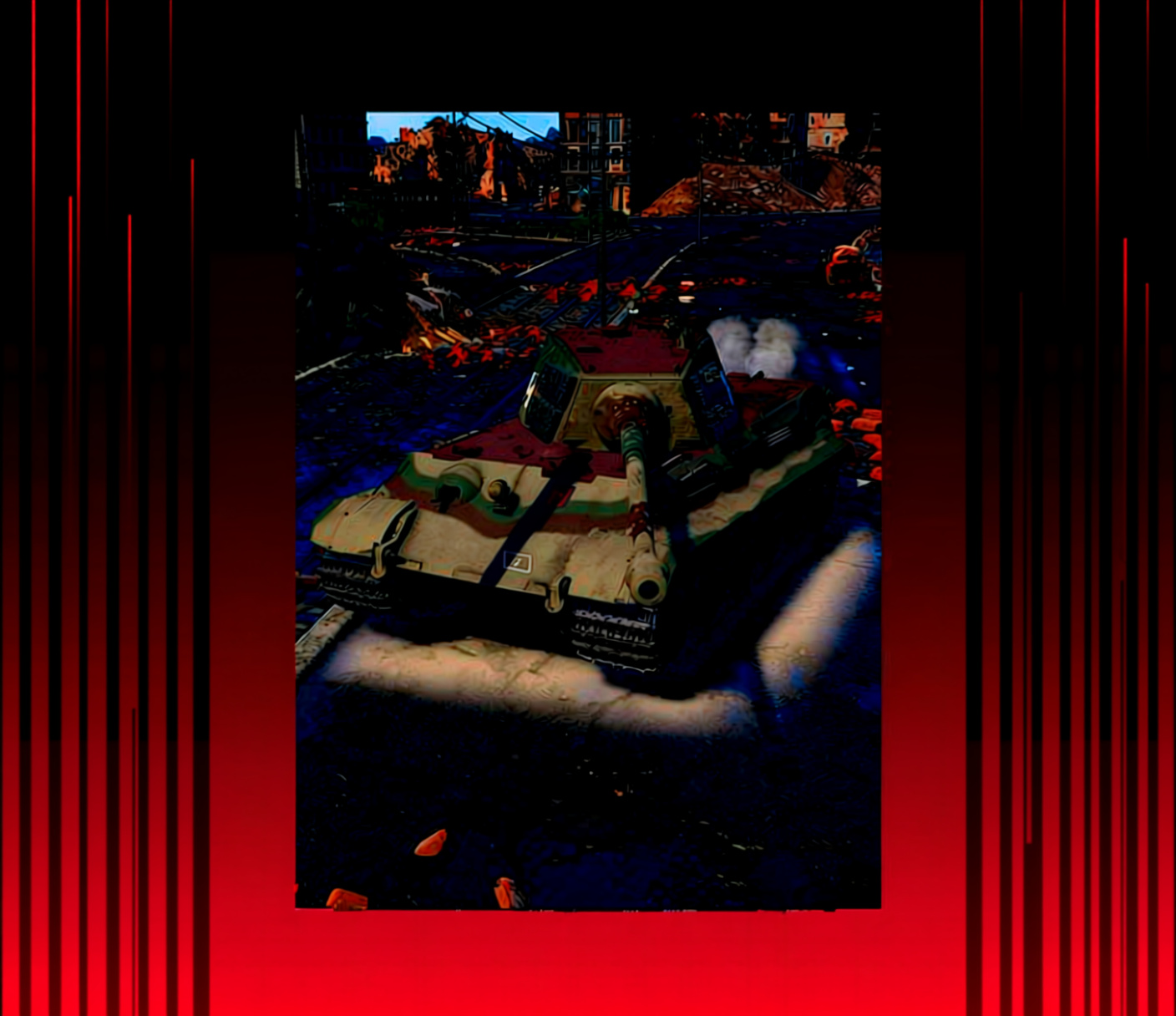
- Tiger E winter wrap (PotatoesInGame)
- Object 292 snow camo (Von_Stierlitz)
- M36 Jackson festive layer (Katkerx)
Folks dig it or call immersion foul. Me? Jet in holiday glow mid-spring dogfight – my call, and it cracks me up.
Final Thoughts and What Actually Matters

Camos won’t ace your aim, but they cut the slog’s edge. Flipping market for coins, debugging loads, porting wraps to variant birds – tools are there to tweak your ride.
Trading’s legit if you play patient, side-gig style over lotto dreams. Low stakes first, watch movers, dodge inventory auto-pops.
Skins still trash after these? Logs and report time. Gaijin’s spotty on bugs, but texture woes hit wide, so they usually patch ’em.
Wrapped the essentials here – fixes, flips, ports. Pin it; next big update’s bound to glitch something fresh.