

Nailing your settings in World of Tanks turns those rage-inducing matches into something you can actually dominate. I’ve sunk thousands of battles into this game, fiddling with every option until it clicked, and now I’m laying out the tweaks that actually deliver – graphics that run smooth, interfaces that don’t distract, all the way to mods that save your sanity.
Why even mess with settings?
Defaults chase flashy visuals at the expense of real playability. Fancy water ripples and smoke clouds? They just hide enemies and tank your FPS. Time to ditch that nonsense.
Graphics Configuration – Performance Over Pretty Pictures
Graphics breaks down into Screen and Details tabs. For serious matches, focus on what boosts your edge without the fluff.

Essential Graphics Tweaks
Full-screen mode – flip it on and forget it. Windowed setups add pointless delays and jittery frames.
Vertical Synchronization – kill this right away. VSync locks your FPS to your screen’s refresh, but it drags on your inputs. Only keep it if your TV’s tearing up the image bad.
Triple buffering – leave this running. It smooths things out and cuts lag when VSync’s off.
Texture Quality – crank to HIGH on decent rigs. Your card chews through it no problem, keeps everything looking solid without choking performance.
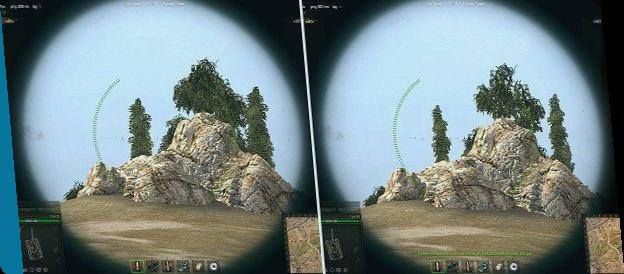
Texture Filtering – go Anisotropic 16x for crisp edges. Eats some VRAM, sure, but new cards laugh at that. Older setup lagging? Dial back to 8x or 4x.
The Settings You Should Disable
Shadow Quality – OFF
Enhanced Shadows – OFF
Realistic shadows? They murder your frames and don’t help you win a damn thing. Shut ’em down.
Water Quality – VERY LOW
Water Simulation – OFF
Pretty rivers won’t save you in a fight. Crank it low; your FPS holds steady when you’re duking it out by the water.
Foliage Quality – LOW
Flora Density – OFF
Thick grass and bushes screw visibility and speed. Trim it back – spots enemies faster and frees up resources. Win-win.
Advanced Post Processing – OFF
Post Processing – OFF (or LOW if you can’t quit the blur entirely)
Huge one here. Those effects fuzz out far-off targets, making ’em tough to pick. Stick to raw, sharp sights – beats hazy vibes in a scrap every time.
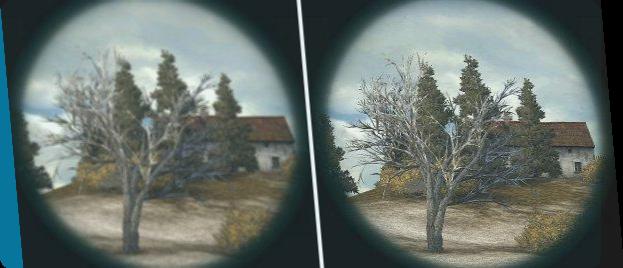
Extra effects quality – OFF
Extra effects in Sniper Mode – OFF
Flashes, smoke puffs, particle nonsense – they block your view exactly when you need it clear. Axe ’em.
Display grass in Sniper Mode – OFF
Sniper grass just clutters your scope. Ditch it for open lines of sight.
Enable vehicle vibration in Sniper Mode – OFF
That kickback wobble messes your follow-ups. Lock the crosshair steady for quicker second shots.
Enable track effects – OFF
More eye candy that drags without payoff.
Settings You Should Enable
Enable track traces – ON
Tire tracks reveal fresh enemy paths – gold for hunting. Keep this lit.
Draw Distance – HIGH
Object Level of Detail – HIGH
Pushes out how far you see the map and how sharp distant stuff renders. Actually aids spotting far threats, and the hit to performance? Barely noticeable next to all that particle crap.
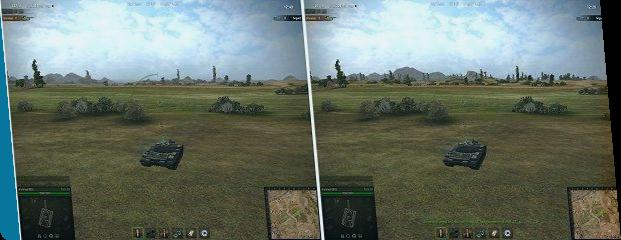
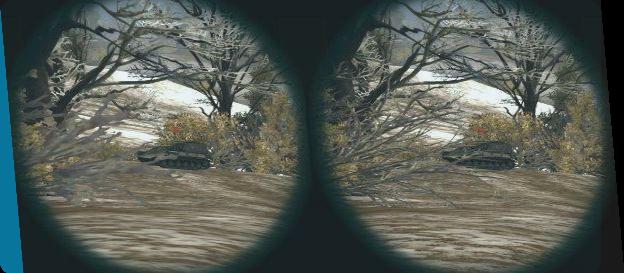
Enable battle recording – ON
Auto-saves let you dissect your screw-ups, scout smart plays, steal ideas from pros. Space is free; the lessons stack up.
Show vehicle tier/icon and destroyed vehicles’ info – ON
Key intel on tap. Hit left-Alt in fights to pull up tiers, classes, wrecks. Vital for calling shots right.
HUD and Interface Optimization
HUD packs info overload – some clutch, some junk. Here’s the breakdown on what counts.

Core HUD Elements
Game Mode Bar – sits top center with team lineup, alive tanks, clock, base grabs. Leave it stock; works fine.

Team Health Bar – rolled out June 2026, tracks your squad’s total HP left. Tweak in Options:
- Full (bar + percentage)
- Bar Only
- Percentage Only
- None
Stick to Full or Bar Only. Ties go to the side with more health when time runs out. Keeps you looped on that decider.
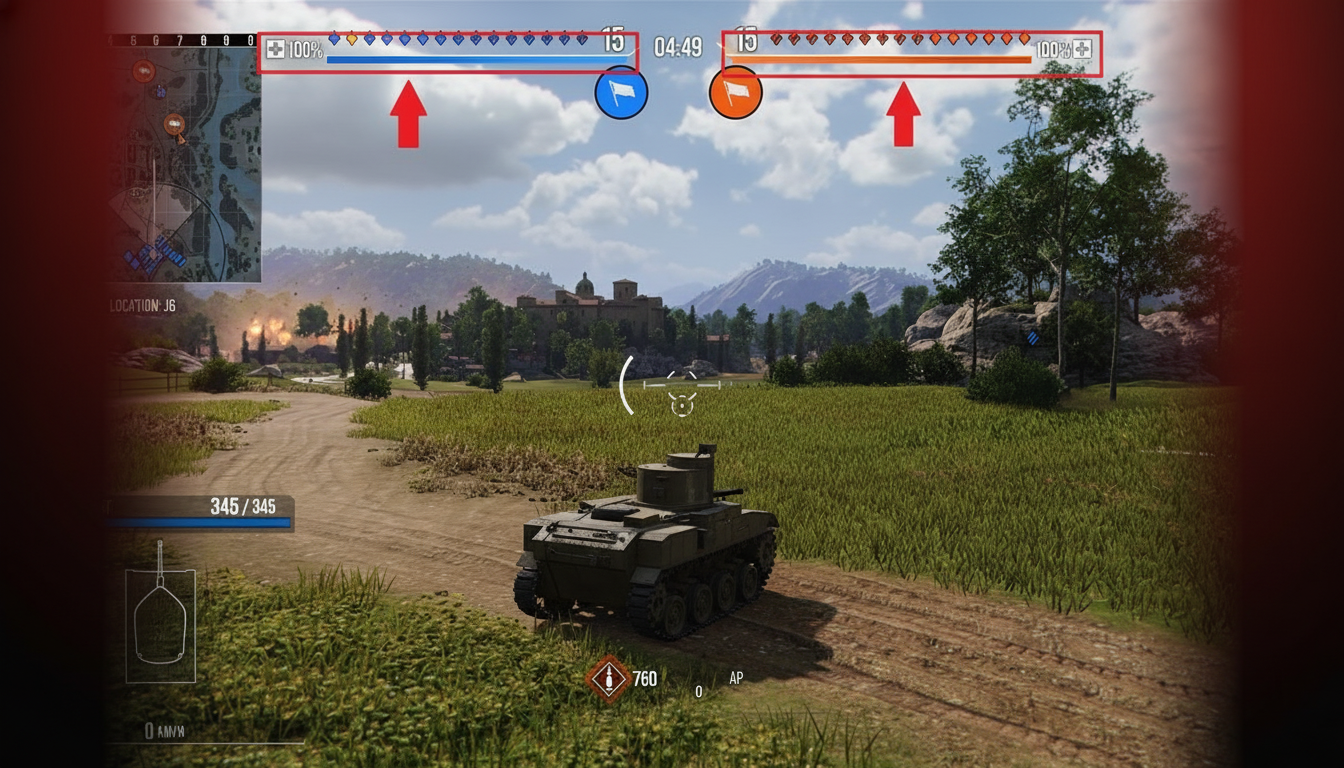
Player Info – bottom-left has your ride’s name, type, HP, gear health, speed. Eye the “Targeted” ping – flashes when foes lock on. “Artillery incoming” icon blares a sound; pair it with Sixth Sense for bailout alerts.
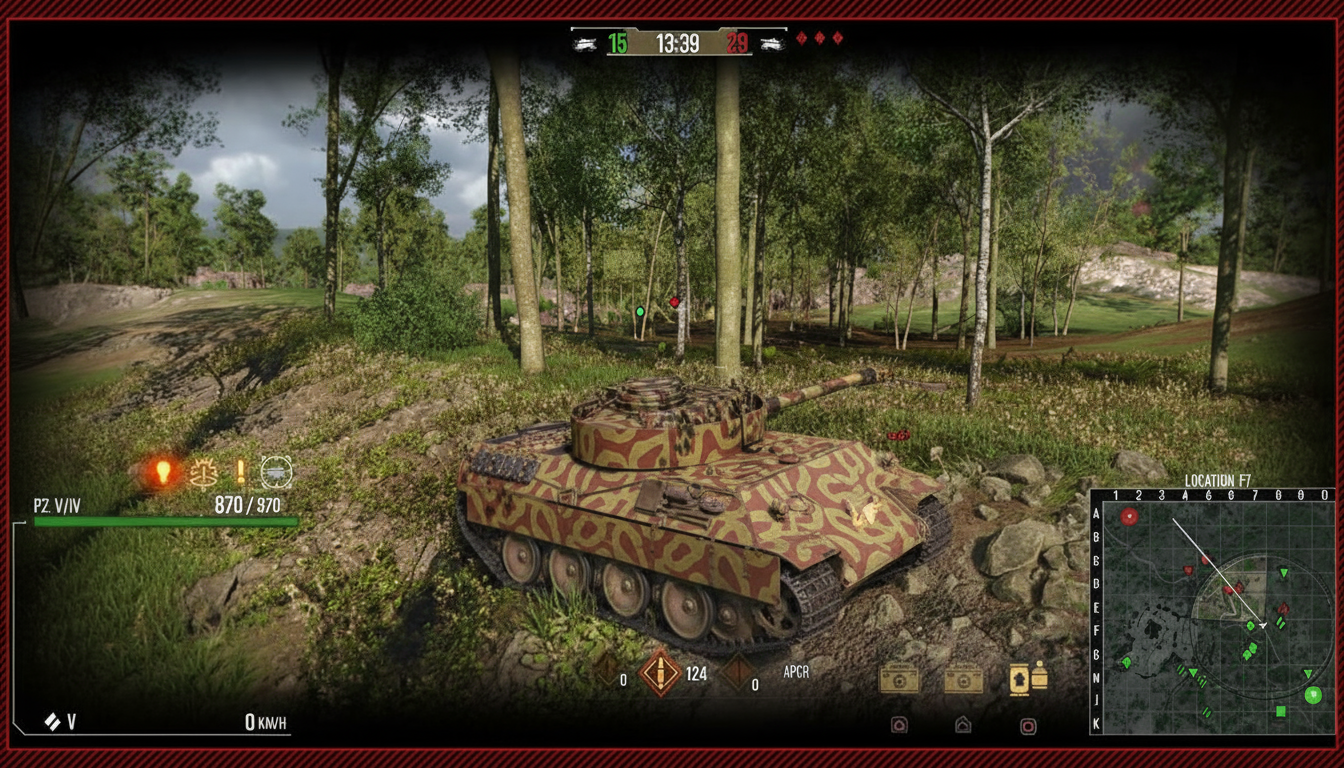
Minimap Configuration
Defaults upper-left; pick from two flavors:
Round map – circle view, short range, spins with your view. Solid for quick checks; weak on big-picture stuff.
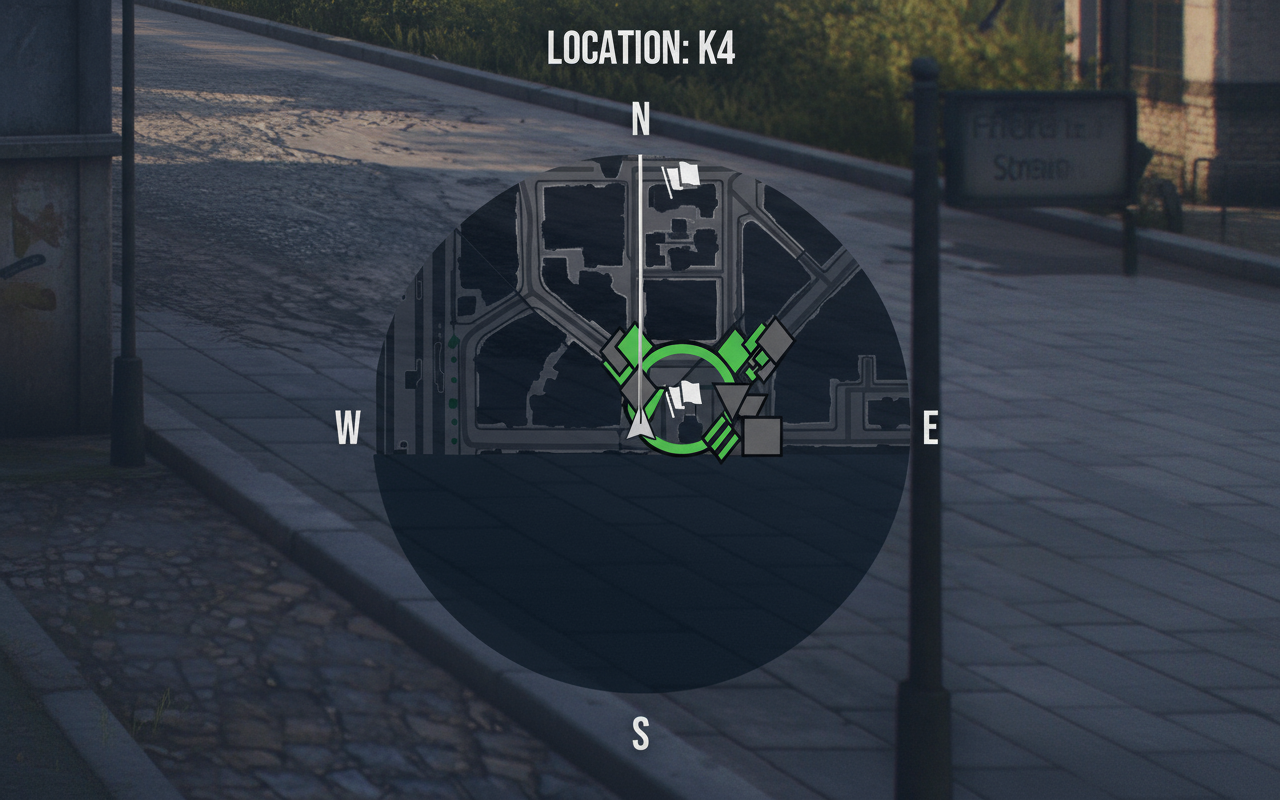
Square map – full map spread, gun arc, sight cone, spot bubble, that 50m auto-spot ring. Rules for real tactics.
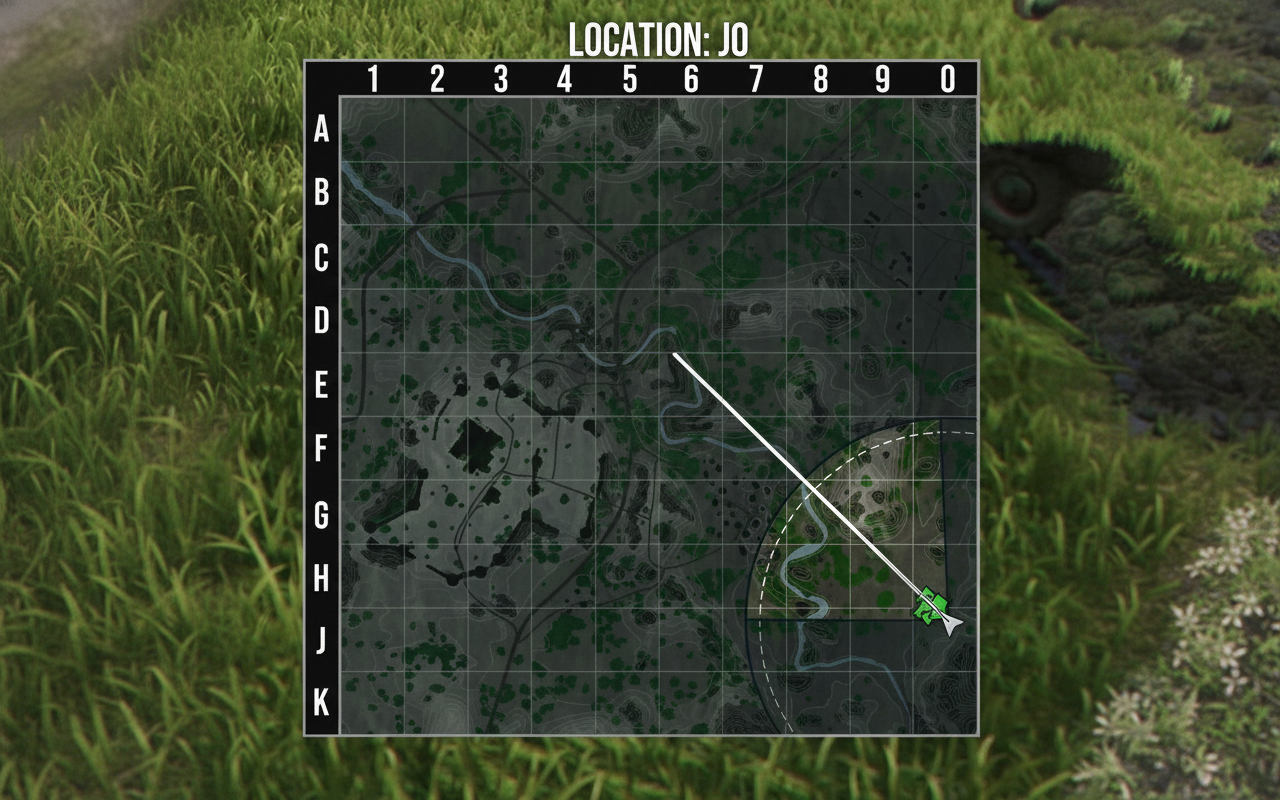
Flip mid-fight (Xbox: hold Select; PS: touch button). Square’s my default – the depth crushes the circle’s ease.
Shift it to bottom-right in options if your screen begs for it.
Reticle and Penetration Indicators
Gun Marker recommendation – Crosshair I (with armor penetration indicator). It shifts hue on pen chances at your aim spot:
- Green – solid pen
- Orange – iffy pen
- Red – no-go pen
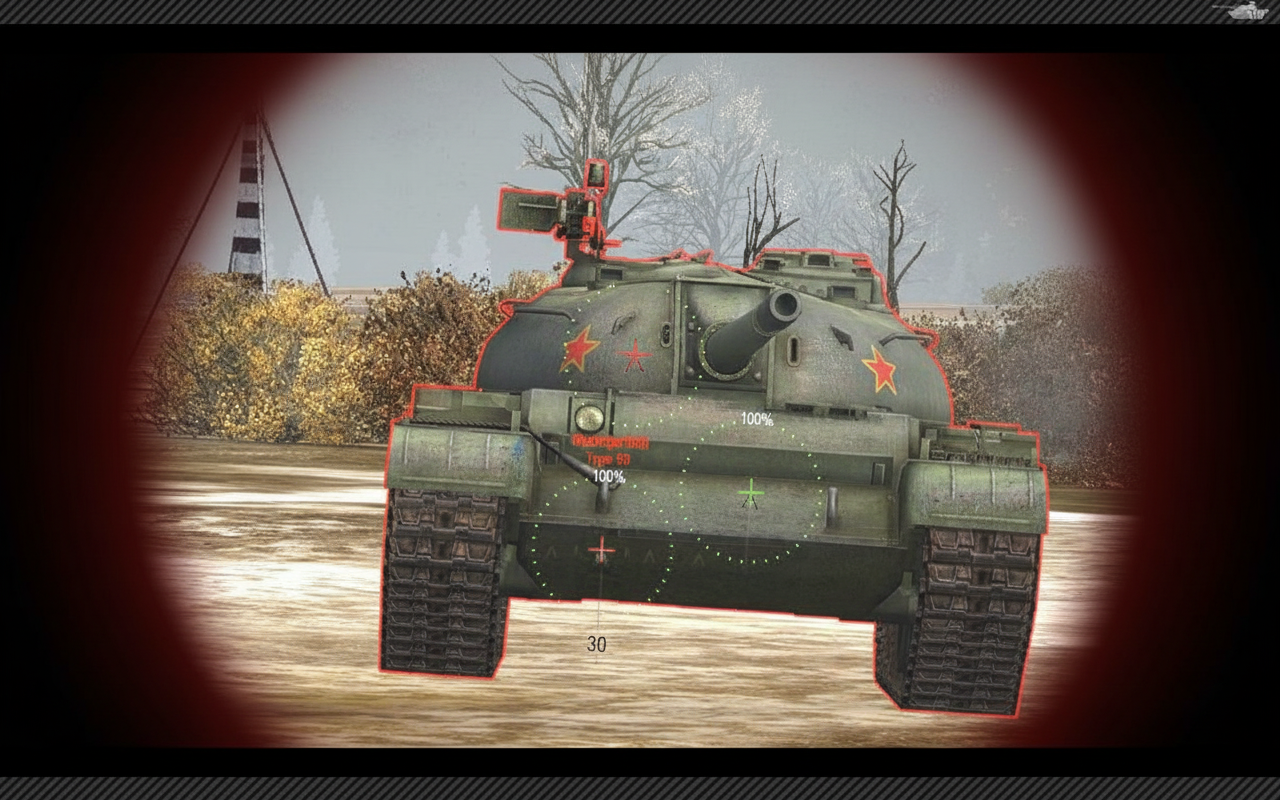
Some setups flip colors; yellow might mean zero pen, orange 50%, red full block. Check yours.
Important limitation: skips spaced armor calcs. Reads straight from your crosshair dot – angles and range flip the script hard.
The Armor Flashlight Feature – Patch 2.0’s Game-Changer
Patch 2.0.0 dropped this beefed-up pen helper, and yeah, run it no matter your experience level.
How to Enable Armor Flashlight
- Open Game Settings
- Navigate to Reticle section
- Find “Armor Flashlight” option
- Enable it
- Press Y in-game to activate during battles
Critical rules for the flashlight to work:
Tank’s gotta halt (or crawl dead slow). Stabilized beasts might flash it on the move, but most need full stop.
Under 300 meters only. Past that, zilch on pens.
Sniper mode exclusive. Arcade skips it.
Using the Flashlight Effectively
Slow-aim heavies? Plant yourself, let the gun settle full before it pops up. Snap-shots hide the goods.
Bushes and brush? Often blanks till you creep in for a clean outline. Thick cover jams the angle math.
Color interpretation (standard mode):
- Green – pens clean
- Yellow – coin flip
- Red – bounces sure
Colorblind mode swaps palette:
- Yellow – pens clean
- Pink – coin flip
- Purple – bounces sure
When the Flashlight Fails You
Long snipes over 300m? Back to raw tank lore and your shell stats.
High-speed scraps? Stop rule kills brawler use. Built for deliberate pokes, not wild spins.
Essential Mods from Aslain’s Modpack
Quick Demount of Equipment 2.0
Right-click slots to yank gear from other tanks, no garage swaps needed. Flags which ride holds it, instant pull.
No kits? Nudges gold or bonds for quick moves. Cuts setup swaps from tedious to trivial.
Mark of Excellence Display (MoE)
Garage shows live MoE bars – chasing that 1, 2, or 3 mark. Battle overlay too; drag it where it fits.
Grinders love it; tracks how fights nudge your rating up or down.
Sixth Sense 12 Seconds
Stock alert vanishes fast. This stretches the ping to 12 seconds, nailing when to pop out safe.
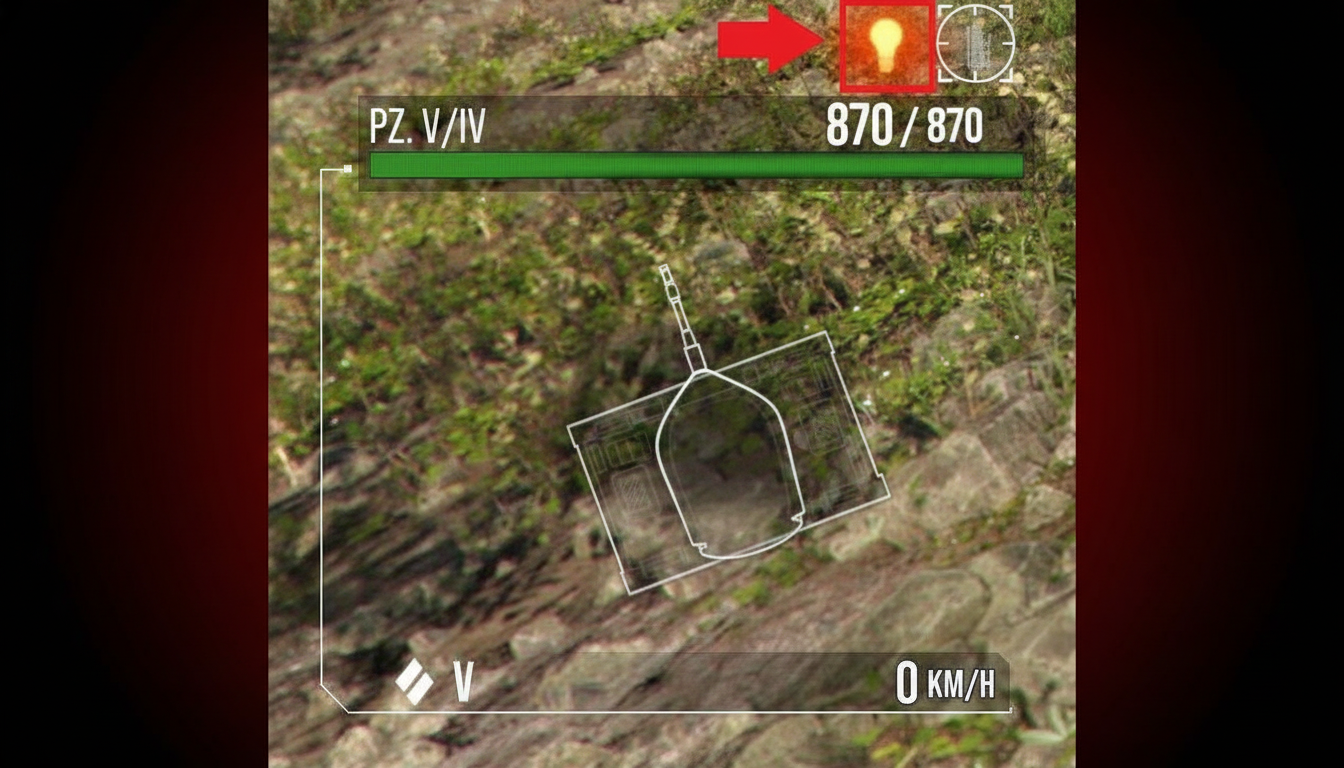
Important clarification – detection rules unchanged. Just lingers the visual for smarter peeks.
Armor Penetration Indicator (Mod Version)
Spits effective armor reads and your pen at range. Side-by-side ammo stats (AP vs. HEAT) and spot-specific calcs.
Deeper than stock flashlight, same job. Dual-run it or go mod-only for the detail kick.
Better Reticle Size
Cosmetic tweak – shrinks crosshair clutter for clean aims. Sliders tune min size. No mech changes, but sharper view steadies some shots.
Advanced Personal Efficiency
Splits assist types: spotting, tracking, extras. Key for:
- MoE pushes
- Assist missions
- Seeing what bags real XP
Breaks out tracking, spotting, totals – no more mush.
Battle Equipment Display
Pops loadout on-screen in fights. Streamers dig it for audience views; verifies your kit matches the plan.
Battle Hits Viewer
Records every pop – pens, bounces, HE ticks. Maps impacts, ammo used, deep post-fight breakdowns.
Boosts aim fast; dissects why shots flopped or penned.
Free Camera (Replays/Hangar)
Freeroam cam for clips and replay digs. Binds like Shift+F3, smooth pans, zoom tweaks.
Creators need it; anyone gains from angle swaps on pos errors.
Mod Configuration Tips
Toggles hide info till modifier (Alt usual). Fine-tune spots, scales, triggers.
Reticle and Efficiency sliders nail customs – cross min, assist filters, etc.
Test layouts; streamer setups might swamp your view.
Controls and Movement Fundamentals
WASD basics. But Cruise Control nails speed control:
- Once – crawl
- Twice – mid
- Three – full tilt
Handbrake (key varies) slams brakes. Clutch for snap-stops to line up shots or dodge exposure.
X key hull locks/unlocks. Flips fire/move on TDs and SPGs too.
Gun Positioning
Mouse swings gun – left/right traverse, up/down pitch.
Left-click lets rip.
Turret vs. turretless vehicles – tanks spin 360 turret-free. Most SPGs, TDs hull-mount; gun arcs limited, then hull turn spikes spread.
SPGs auto-swing all modes default. TDs hull-lock in Sniper – X to free if turning.
Aiming Modes and When to Use Each
Arcade Mode
Behind-tank cam default. Rules close-mid fights needing full awareness.
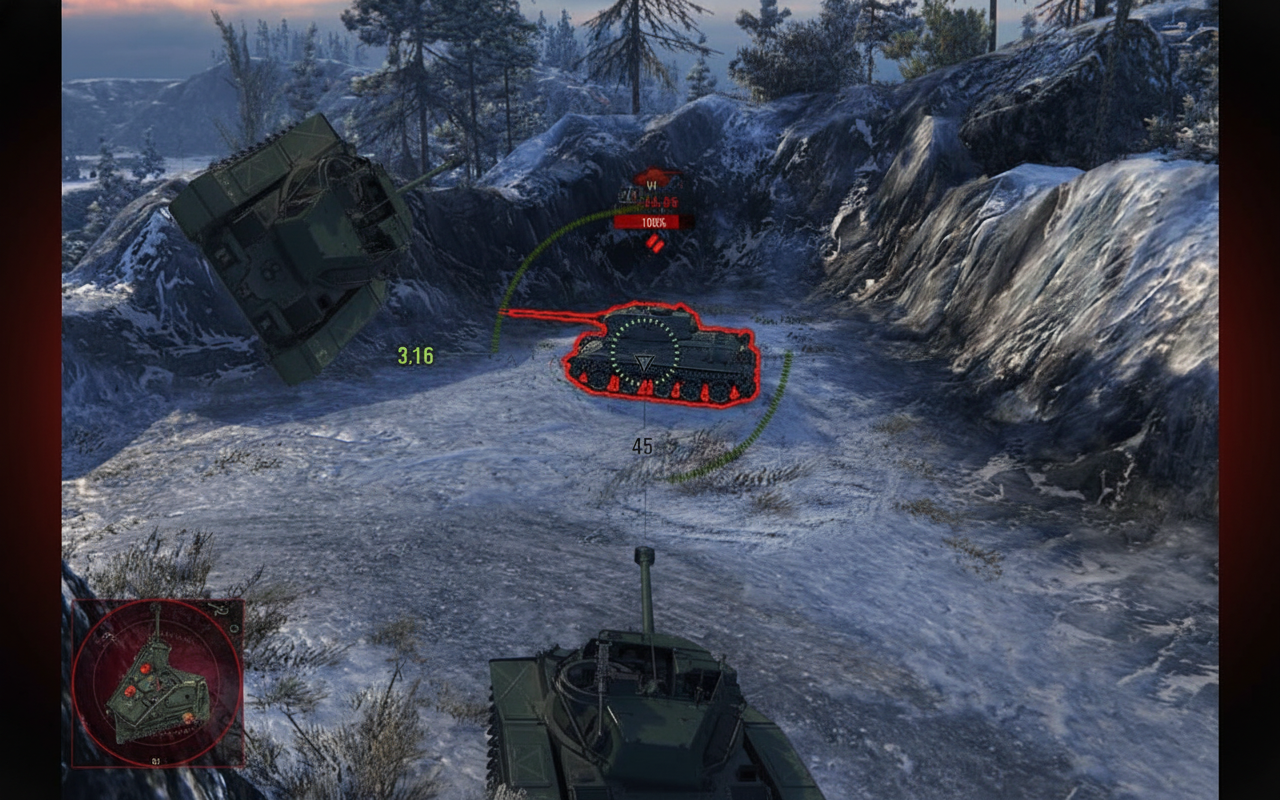
Right-click hold freecams without gun shift – flank scans while locked forward.
Sniper Mode
First-person lock. Must for far pokes and weakspot picks.
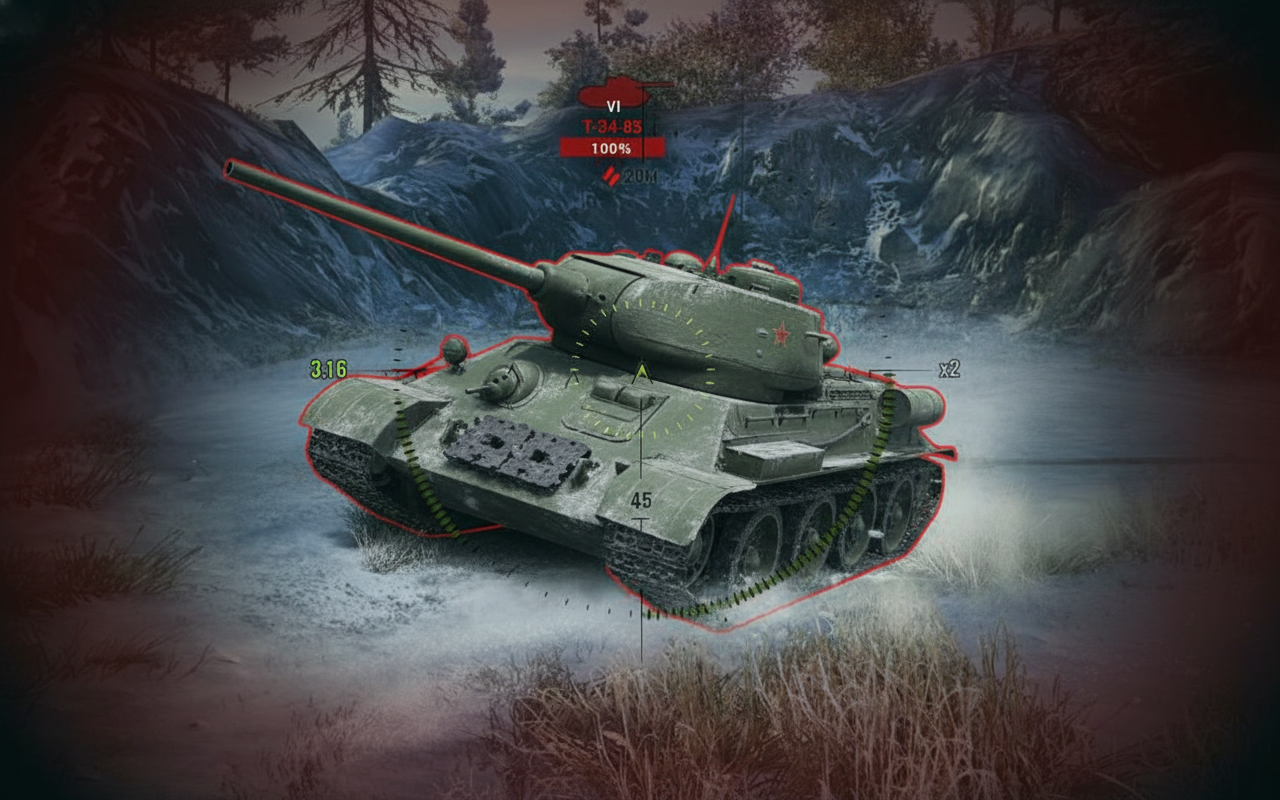
Zoom Indicator tracks power. ×8 stock max; settings push ×25 (but narrows view hard).
Avoid living in Sniper mode – lasers one foe but blinds you to the map. Swap fluidly with Arcade.
Auto-aim
Locks cross on enemy core; gun follows. Good for on-the-run or circle shots.
Drops if they duck sight. Don’t lean sole – manual nails soft spots; auto centers blind.
Artillery Mode (SPGs Only)
Top-down map for arc fire far out.
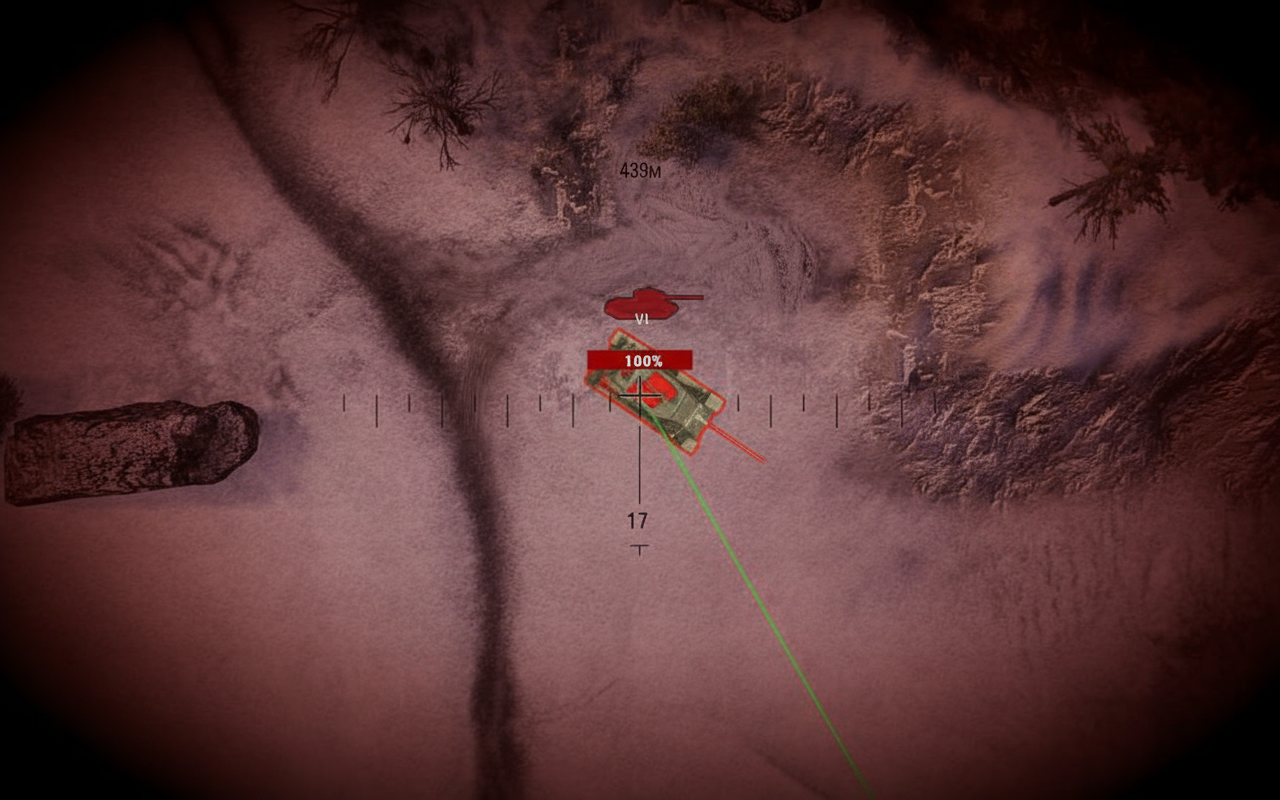
Trajectory line color-coding:
- Green – hits home
- Red – blocked (hill, build)
- Grey – too far
Trajectory View mimics Sniper with arc preview. Sharpens shots over rises or corners.
Aiming and Shooting Process
Right steps for clean hits:
- Line on the foe
- Hold till Aiming Circle (gun mark) snaps to Reticle (cam dot)
- Let circle shrink tight (full aim)
- Left-click bang
- Reload wait, circle shrink, repeat
Dispersion mechanics – turret/hull turns, tank roll, hits all bloat the circle. Halt full, contract it for peak shots.
Gun mark lags Reticle. Till synced, shots chase the gun, not cross.
Spotting and Detection Systems
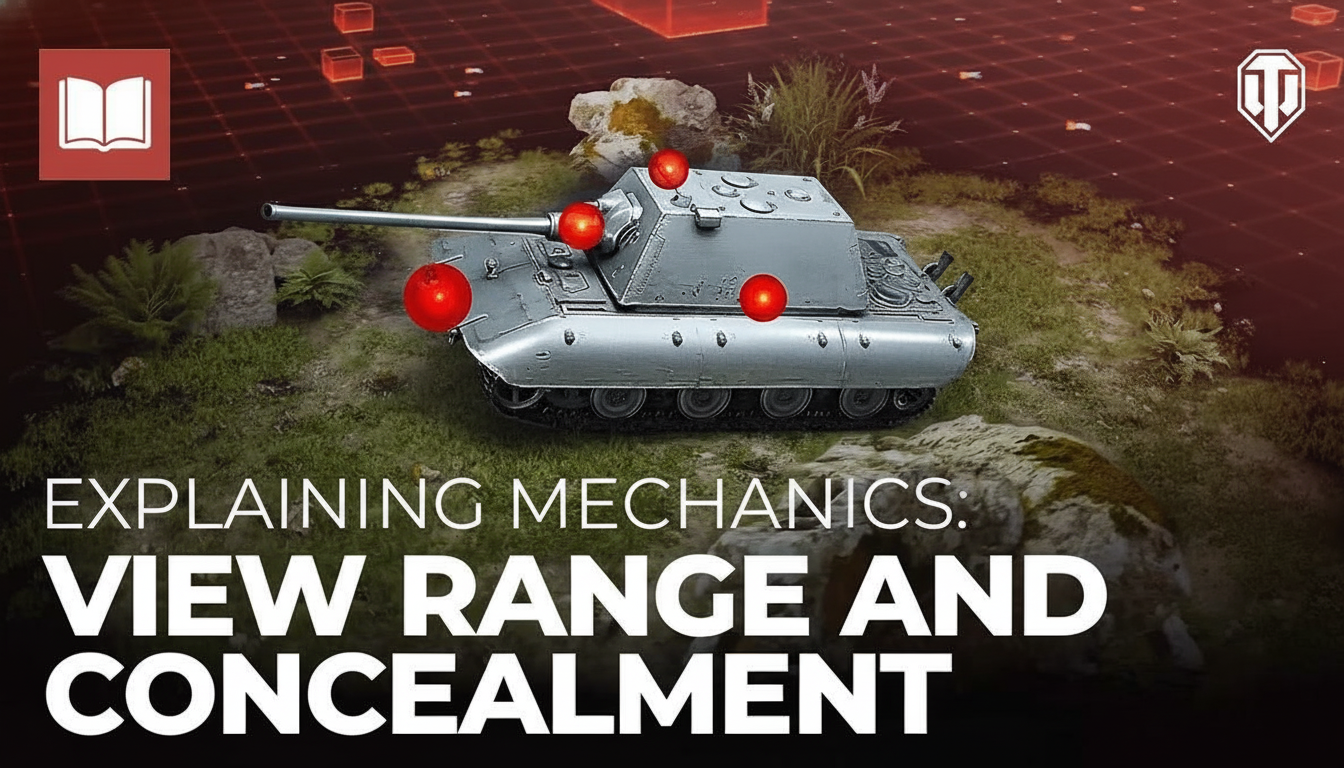
World War II Mode (Standard Battles)
Foes ghost till spotted by you or squad. View range vs. camo auto-crunch.
Critical range limit – spots only show under 564m. Farther, they vanish for you (teammates closer see/shoot).
Cold War Mode
No hide – enemies always lit.
Optics manual scan unlimited. Auto-spot kicks if they close detect range, but active sweep drives it.
Damage Callouts and Color Coding
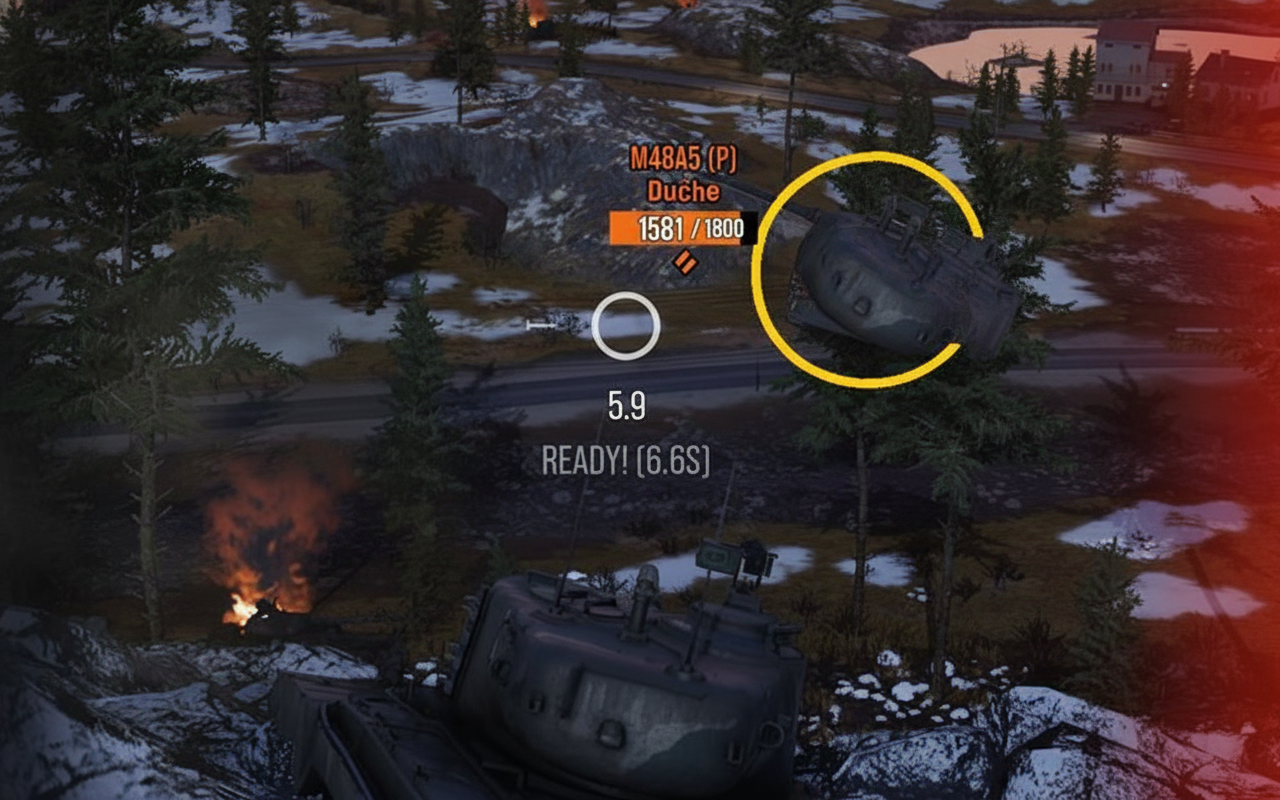
Yellow – your crew and platoon’s stuff. Your hits, pings, names in kills.
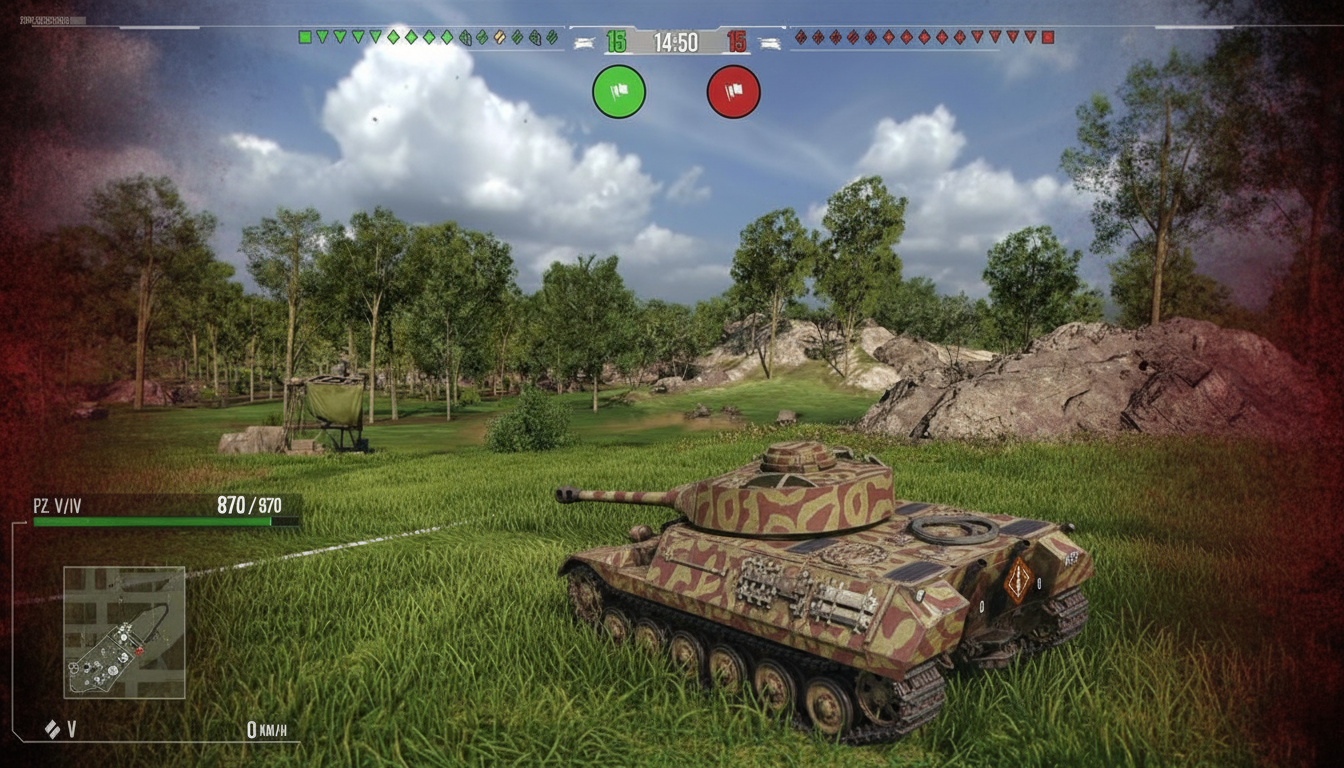
Green (team hue) – allies’ moves. Their HP drops, calls, tags in feeds.
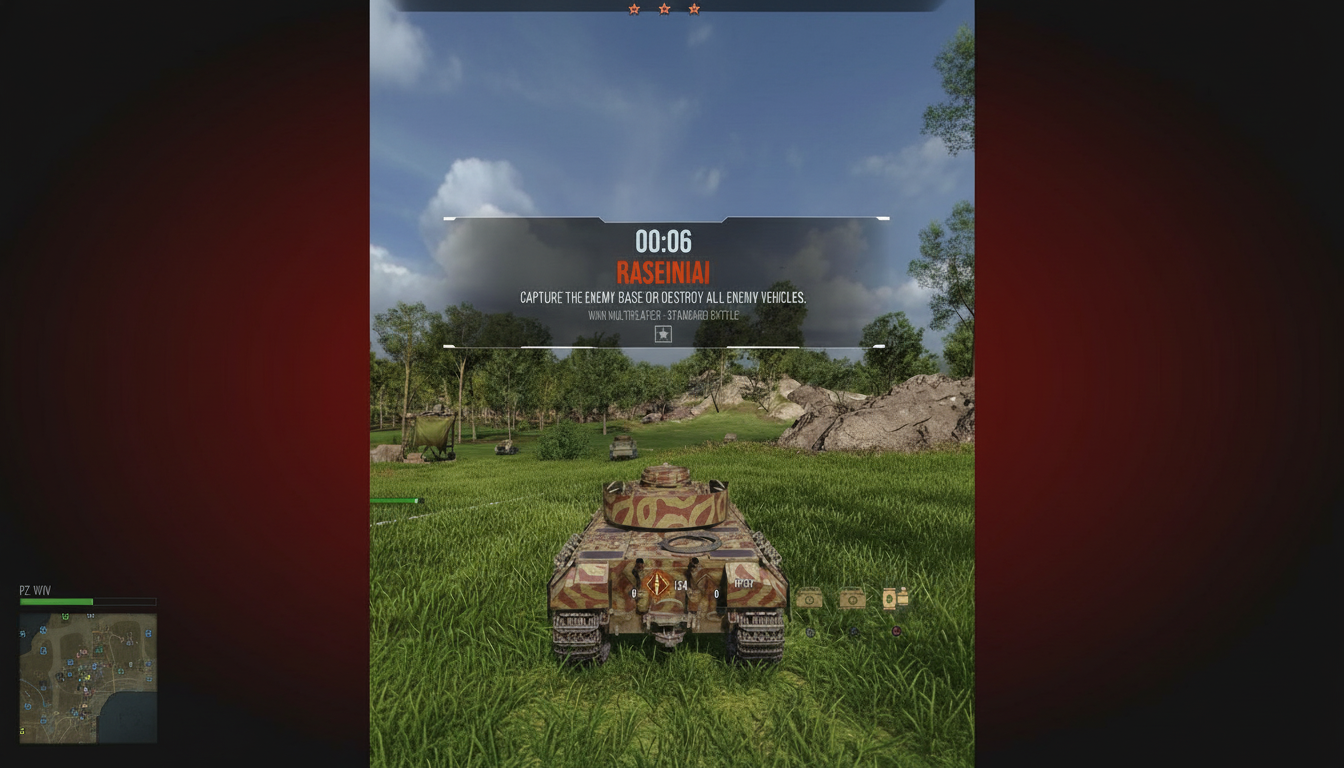
Red (foe shade) – enemy deeds. Their losses, threats, names in logs.
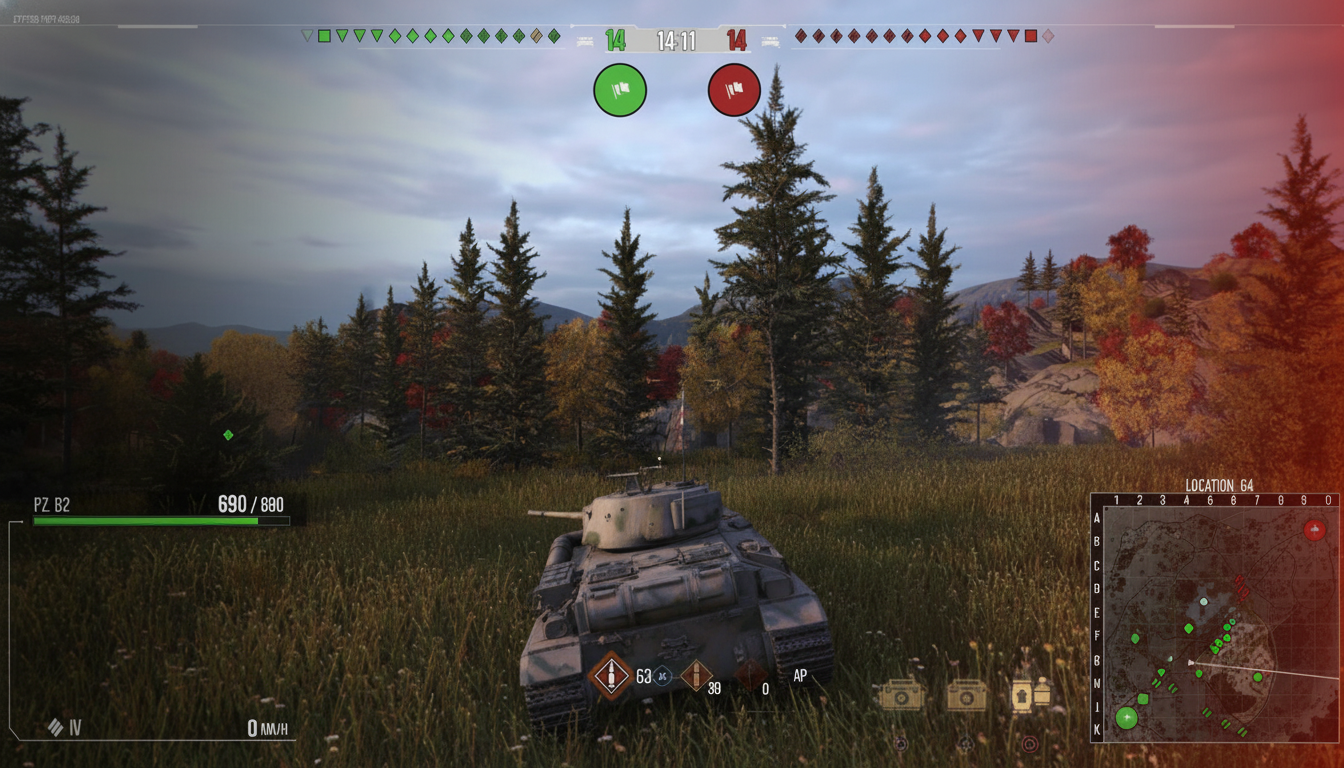
Wrecks left-side; ally chat right; numbers hover damaged hulls.
HP Bars top allies and spotted foes – fast HP checks.
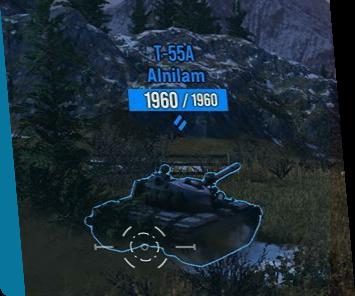
Bounce indicator icon post-ricochet or spaced hit. Spot it, tweak angle, retry.
Ammo and Consumables Display
Bottom-center:
- Loaded shell type
- Count left current
- Other loaded types
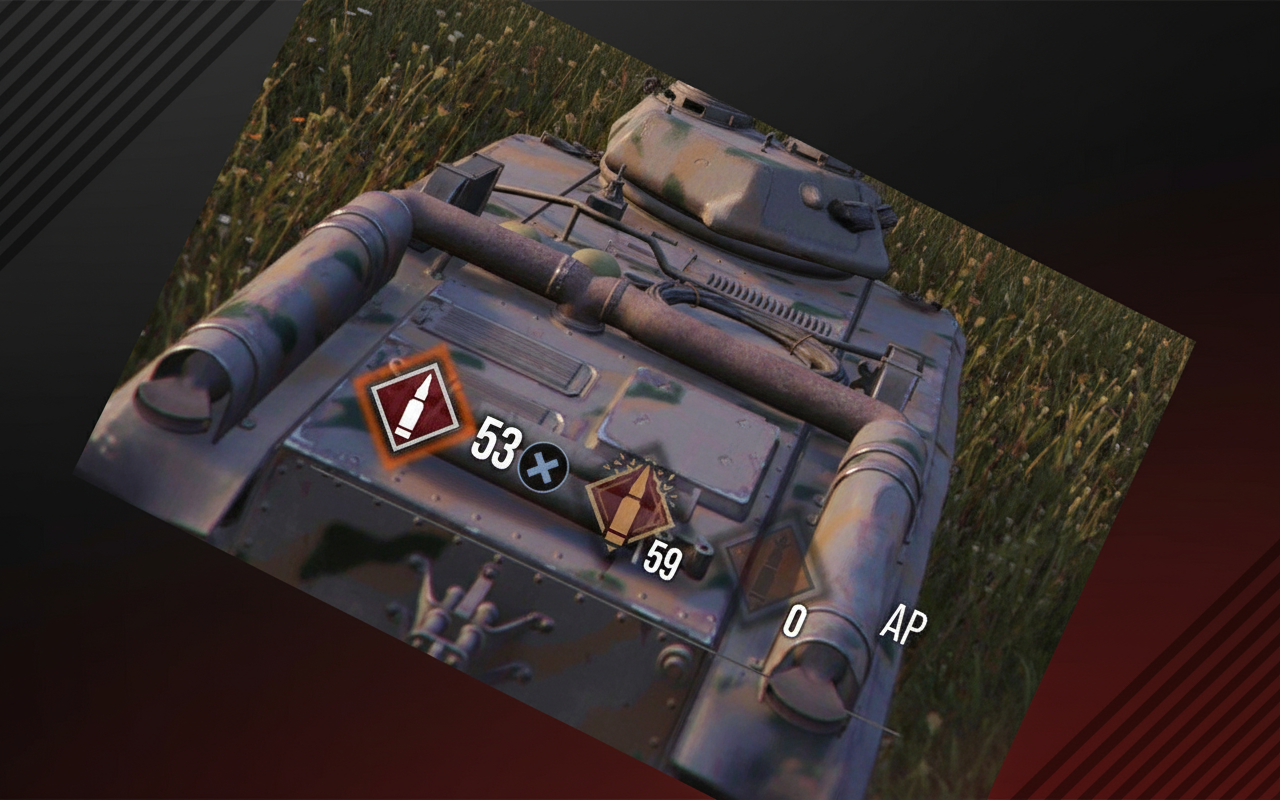
Reload animation circles fill on cooldown.
Hotkey swaps shown. Multi-gun/turret? Hold button to cycle.
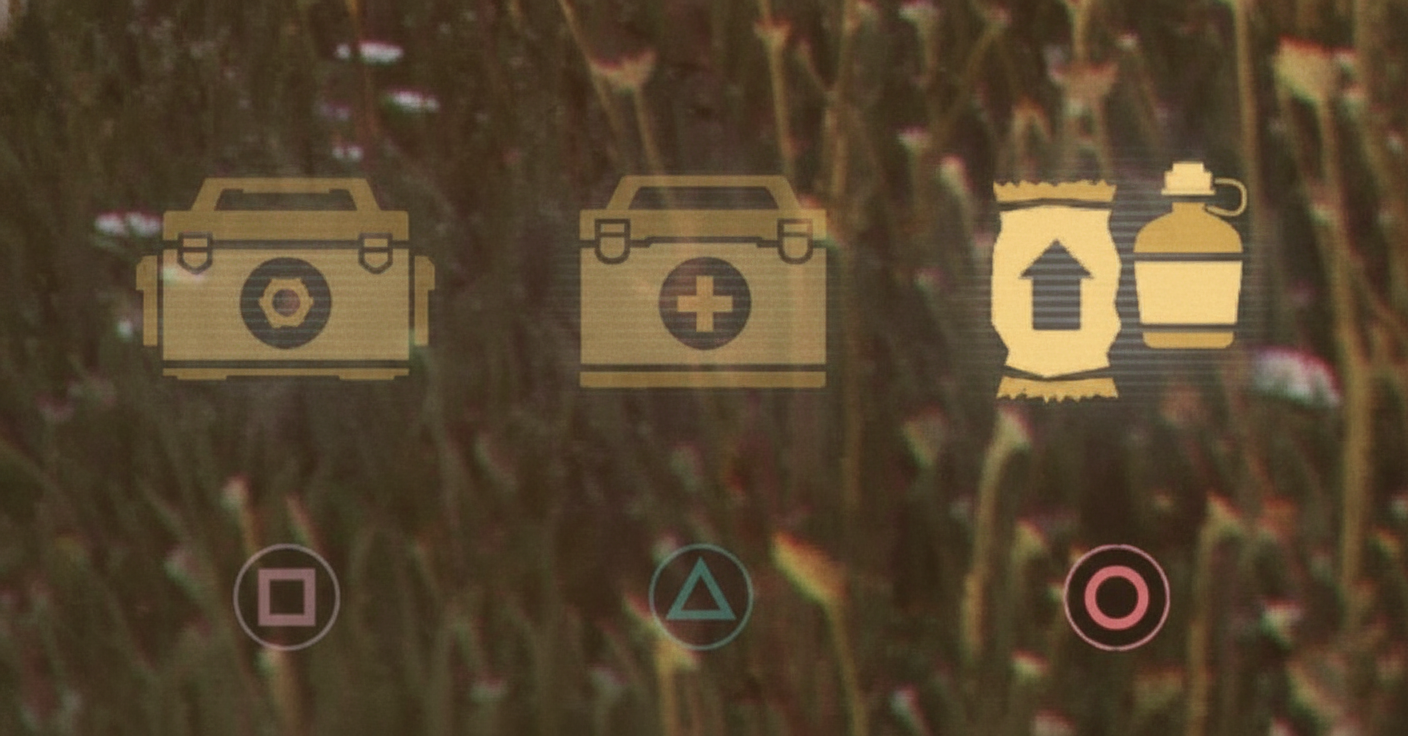
Consumables Component ammo-right. All kits with keys. Premium reusables timer out, glow ready.
Ribbons and Battle Tracking
Top-right ribbons for XP plays:
- Enemy Damaged!
 – your hits
 - Critical Hit! – module/crew whacks
- Tank Destroyed! – kills
- Enemy Spotted! – fresh detects
- Base Captured! – caps
- Tracked Target Hit! – ally on your track
- Spotted Target Hit! – ally on your unseen spot


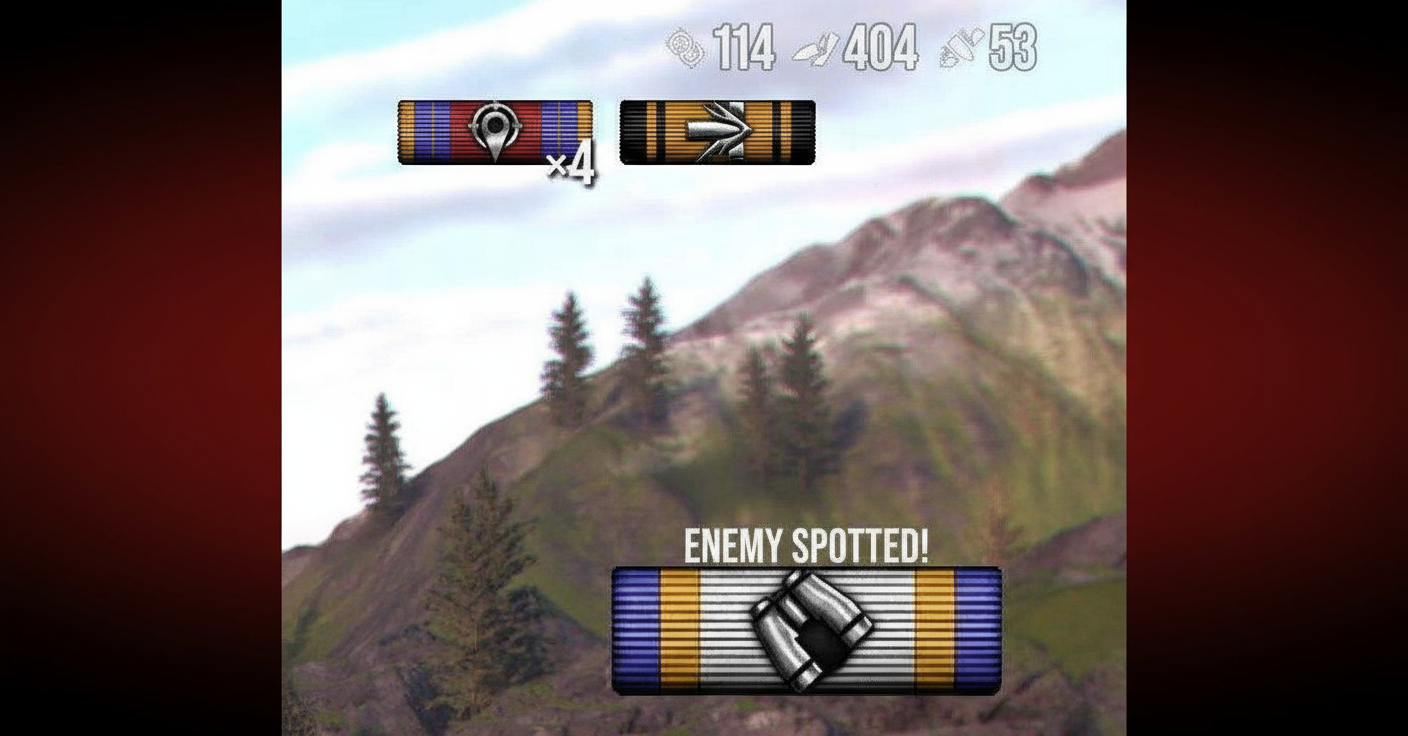
They pile, count up. Tells what racks points clear.
Multi-Turret and Special Weapon Mechanics

Multi-arm rigs or odd ammo.
Multi-turret HUD – per-gun reloads. Main left; extras right. Bar scales caliber. Yellow chevron picks active; others grey cross.
Minimum Arming Distance (ATGMs) – Cold War missile haulers X and warn close. Not armed full. Fire ok, but weak till range hits.
Final Thoughts on Configuration
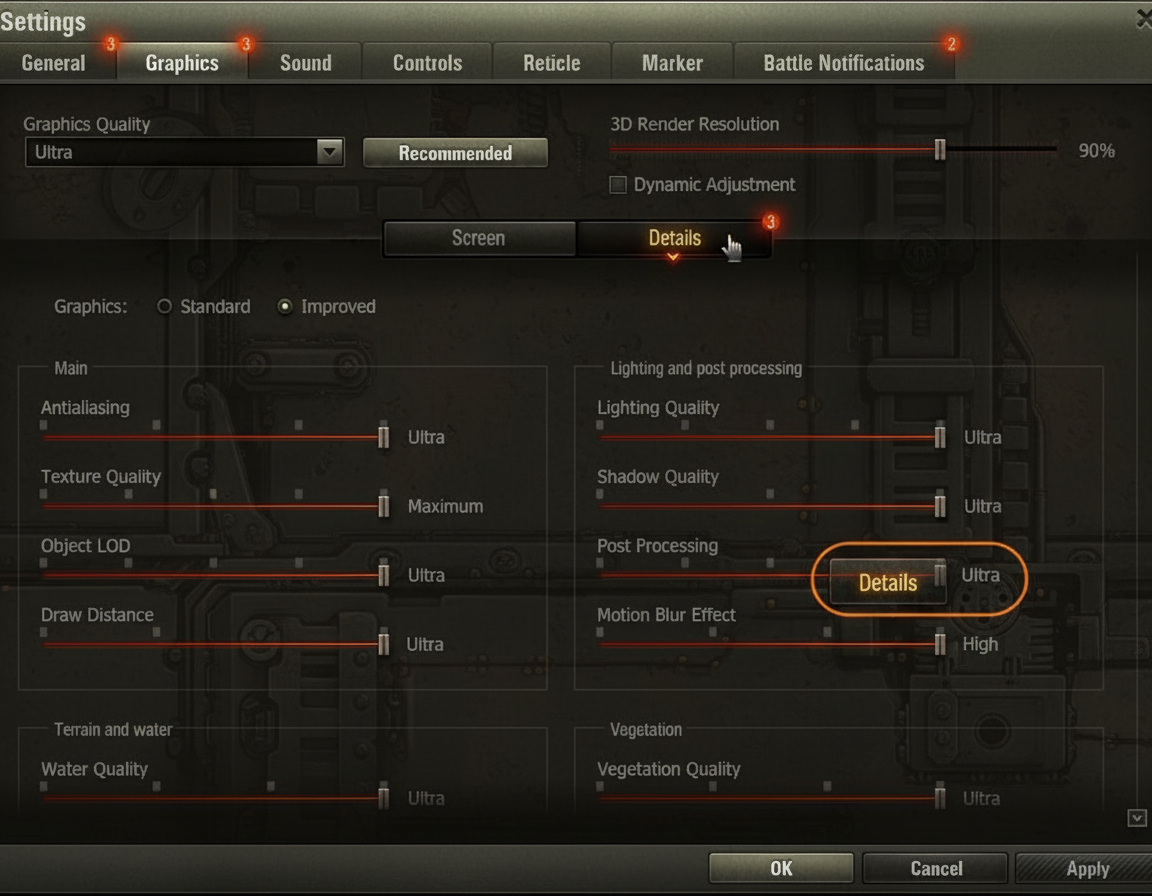
Poured all my WoT config know-how here – graphics cuts, HUD cleans, mod picks, control basics. Pin this; dip back as you tune.
Start with graphics settings first – nuke shadows, water, post right off. Instant FPS lift and clearer views.
Then tackle the armor flashlight – fire it up, master the rules (still, sub-300m, sniper), lean on it for every lined shot.
Add mods gradually – no all-at-once dump. Quick Demount and MoE if marking up; Hits Viewer for aim fixes. Each fixes real pains; grab what fits.
Stock vs. tuned? Worlds apart. Frames lock, spots sharpen, no more blindsides from visual junk.
Spend the hour dialing this in. Every fight after repays it big.