

If you’re poking around this, you’re likely testing if your PC can fire up Valorant without issues. Staring at an old machine and debating an upgrade? Or piecing together a new one and hunting for solid specs? I’ve pulled it all together here, so save this spot – no need to scour elsewhere. Valorant doesn’t devour hardware like some shooters. Riot built it to work on everything from cheap laptops to beastly desktops. Still, scraping by at playable frames isn’t the same as cranking 144+ FPS in ranked without hitches. Let me lay out what it takes.
What Makes VALORANT Different from Other Shooters
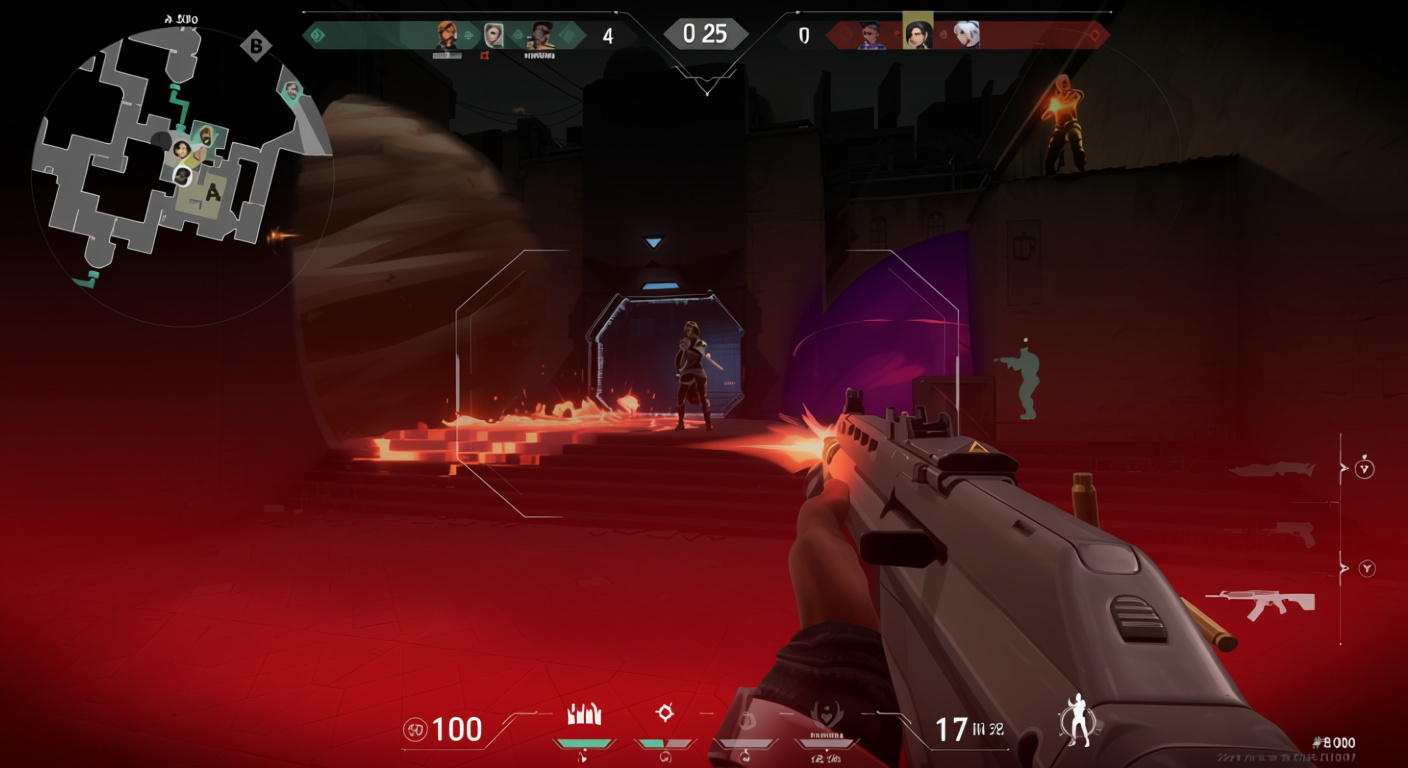
5v5 tactical matches VALORANT throws you into 5v5 tactical matches with agents packing unique kits, but raw aim decides rounds. One life per round amps up the tension – every input lag spike kills clutches. Maps force tight team plays and those nail-biting 1v4 standoffs. The best bit? It’s completely free-to-play. Jump in without dropping a dime. But it locks to Windows only. Skip Mac, Linux, cloud setups, or VMs. ARM chips? No dice. VALORANT sticks to x86 architecture, details coming up. It covers a ton of languages for audio and text: Portuguese (Brazil), Polish, Arabic, French, German, Italian, Spanish (Spain), Japanese, Russian, Thai, Traditional Chinese, Vietnamese, Turkish, and Korean – easy access no matter where you queue.
The Complete Specs Breakdown: Minimum vs Recommended vs High-End
raw numbers Guides often dump raw numbers and call it a day. Not here.
| Category | Minimum (30 FPS) | Recommended (60 FPS) | High-End (144+ FPS) |
|---|---|---|---|
| CPU | Intel Core 2 Duo E8400, i3-540, i3-370M; AMD Athlon 200GE |
Intel i3-4150; AMD Ryzen 3 1200 |
Intel i5-9400F (2.90GHz), Core i5-9400F; AMD Ryzen 5 2600X |
| GPU | Intel HD 4000, AMD Radeon R5 200, AMD Radeon R5 220, Radeon X1600 | NVIDIA GeForce GT 730; AMD Radeon R7 240 | NVIDIA GTX 1050 Ti, AMD Radeon R7 370, Intel Arc A310 |
| RAM | 4 GB | 4 GB | 4 GB |
| VRAM | 1 GB (with discrete GPU) | At least 1 GB | At least 1 GB |
| OS | Windows 7/8/10 64-bit; Windows 10 (Build 19041+) 64-bit required for some features | Windows 10/11 64-bit | Windows 10 64-bit |
| Storage | 30 GB | 30 GB | 30 GB |
| Shaders/Notes | Pixel Shader 3.0 / Vertex Shader 3.0 | Pixel Shader 5.0 / Vertex Shader 5.0 | – |
What These Numbers Actually Mean for Your Experience
Minimum specs (30 FPS): It boots, but good luck in duels. Frames stutter through fights, reactions lag, and headshots? Forget consistent ones. Barely hitting this means you launch – enjoyment’s another story.

Recommended specs (60 FPS): Solid starting point. Handles casual queues fine; abilities pop without drops; no big chugs in chaos. Plenty of folks stick here and climb, but grinders want more.
High-end specs (144+ FPS): Where it clicks. Crosshair glides on high-refresh screens; peeks snap; sprays lock in. For real ranked pushes, this setup levels the field – lower rigs leave you chasing smoother foes.
These hit the international build. Blowing past minimums doesn’t just boost speed; it flips solo queue from grind to edge.
The Hidden Requirements Nobody Tells You About
tech must-haves VALORANT piles on tech must-haves that bite hard.
- SSE 4.2 or AVX processor support – skip these on old chips, and it won’t even start
- DirectX 11 compatibility – essential; outdated GPUs get the boot
- No ARM architecture – those sleek ARM Windows machines? Dead end
- Zero cloud gaming or VM support – blocks streaming and virtual setups flat out
And the real kicker hits next.
The TPM and Secure Boot Headache
Anti-cheat tweaks locked in extras you can’t dodge.
For Windows 11: TPM 2.0 and UEFI Secure Boot – flip them on or bust.
For Windows 10: Same rules post-update. No BIOS tweaks? Game stays dark.
How to enable them:
- Boot into BIOS (hit Delete, F2, or F12 on startup)
- Hit Security menu
- Spot TPM – crank to 2.0
- Find Secure Boot – set Enabled
- Save and reboot
Legacy boards without TPM 2.0? Time for new parts. Riot’s anti-cheat clamps down tight – brutal on relics.
Real-World Performance: What FPS Actually Feels Like
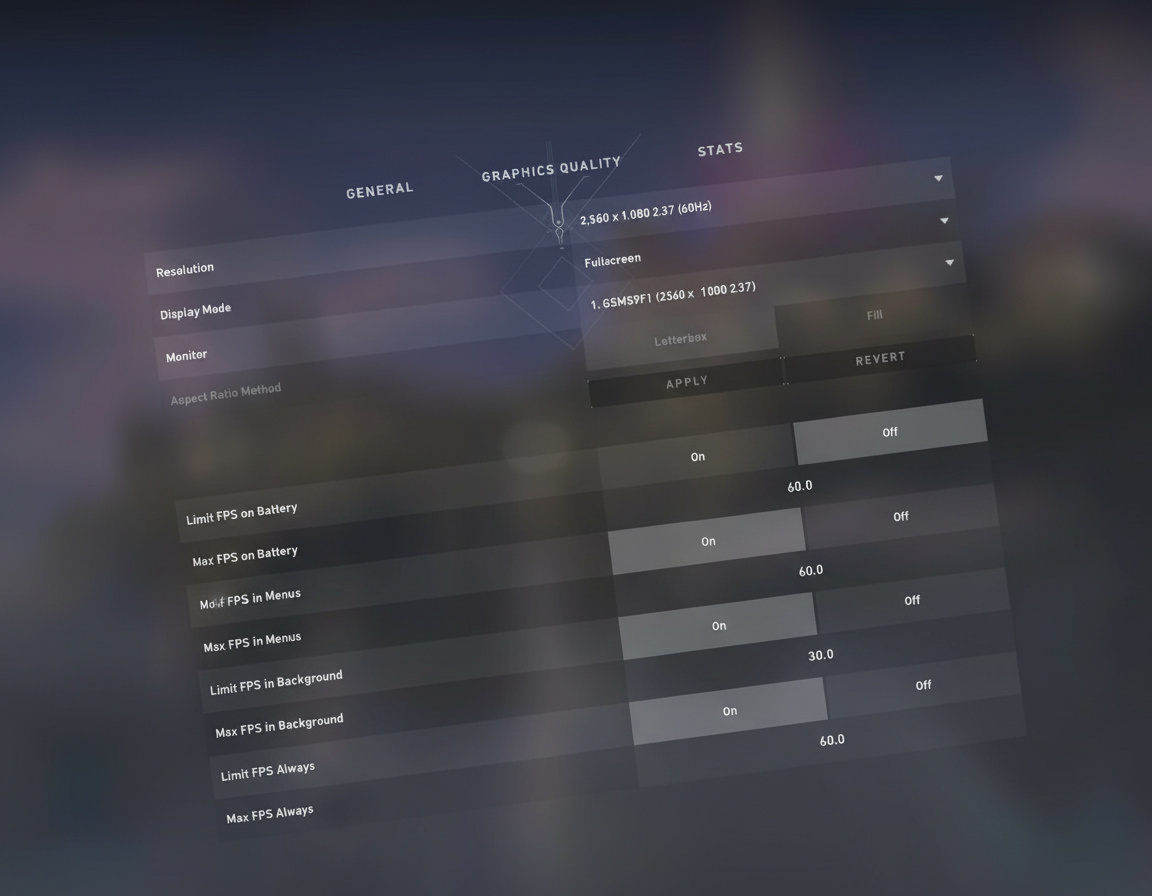
Frames tell the tale.
- 30 FPS: Runs, sure. But duels? You’ll whiff while others zip past, cursing “lag” for your rig’s choke.
- 60 FPS: Gets the job done. Triggers feel crisp; fights respond; ranked opens up. Casual crews rarely gripe.
- 144+ FPS: Shifts everything. 144Hz screens wake up; enemy tracks lock; control sharpens. Drop to 60 after? It drags.
GPU-Specific Recommendations
The GTX 1050 Ti (or AMD’s R7 370, Intel Arc A310) nails competitive flow. Steady 144+ FPS, plus NVIDIA Reflex slashes delay. In headshot scraps, that edge counts.
Eyeing 1440p? Beef up or dial visuals – no DLSS or FSR here to bail you out.
RAM Reality Check
4 GB scrapes by on paper, but Windows gobbles half upfront. For Discord chats and tabs mid-match, 8 GB’s the floor; 16 GB kills hitches dead.
Storage Considerations
30 GB covers the install. But slap it on an SSD. HDD waits drag rounds 20-30 seconds; SSDs blink by. Team’s set, you’re loading? Those ticks sting.
Checking Your PC’s Compatibility: Step-by-Step

Run these checks Unsure if your setup cuts it? Run these checks.
- System Information Access
- Hit Windows + R
- Punch “dxdiag” and Enter
- Spits out CPU, RAM, OS details fast
- Graphics Card Verification
- Right-click Start for Device Manager
- Open Display Adapters
- Grab GPU name
- Or fire up GeForce Experience/AMD Adrenalin for VRAM and full rundown
- Storage Check
- Launch This PC
- Eye free space on your drive
- Clear 30 GB at least (pad for patches, shaders)
- Component Comparison
- Line up finds with the table above
- Pinpoint drags – GPUs or memory tank old boxes
- Upgrade Priority Assessment
Short multiple mins? Expect crashes or slop. Cash low? Hit these for Valorant gains:
- GPU first – FPS rocket
- RAM second – smooths runs, adds apps
- SSD third – speeds loads, cheap win
- CPU last – mins hold; fresh ones steady things
Budget PC Builds That Crush VALORANT
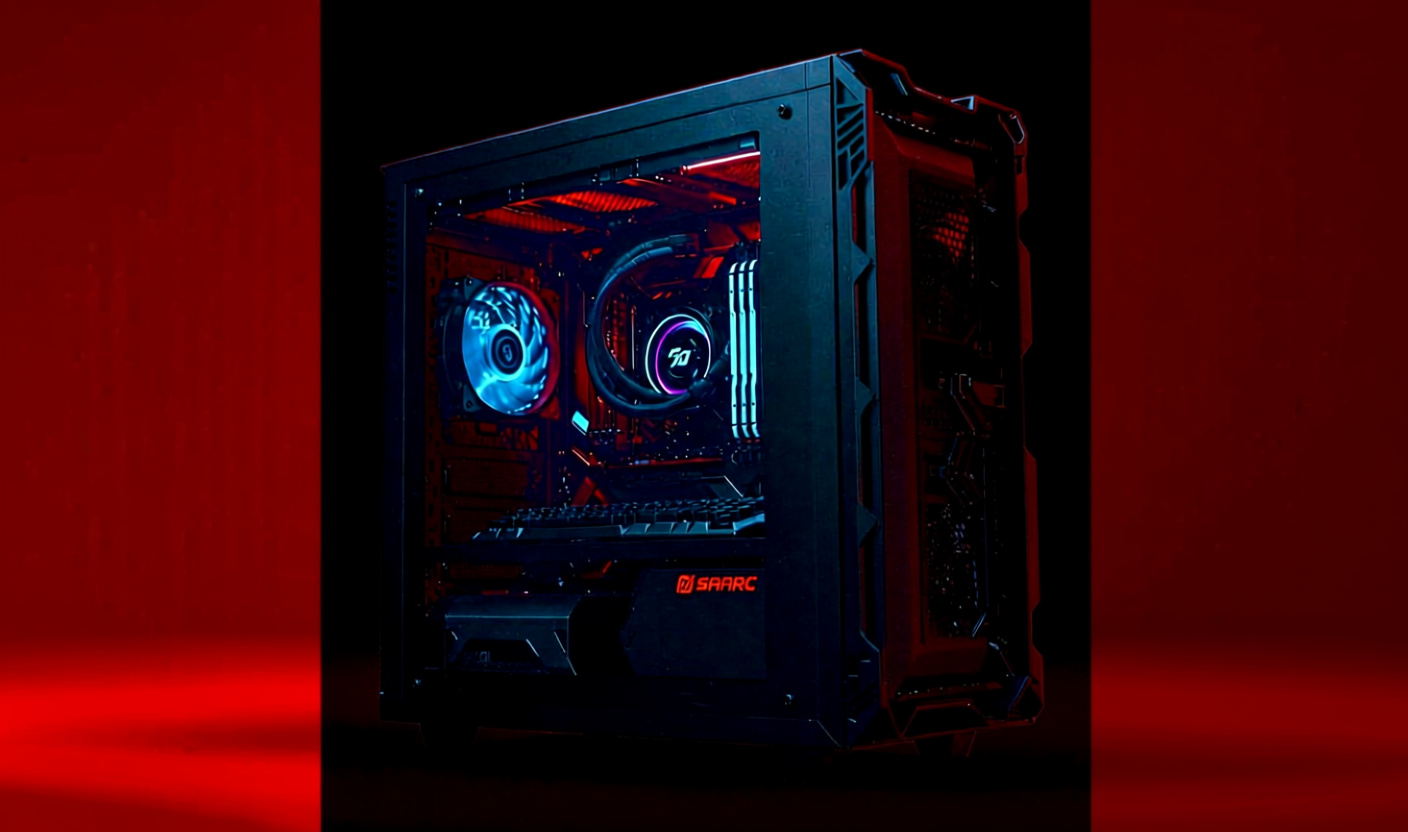
Two setups Two setups that deliver without wallet pain.
Mid-Range Beast (~$850)
Components:
- CPU: Intel i5-12400F (or AMD Ryzen 5 575 alternative)
- CPU Cooler: Standard tower cooler
- Motherboard: Compatible B660/B550 board
- Memory: 16 GB DDR4 (upgrade from the bare minimum for smooth multitasking)
- Storage: 500 GB NVMe SSD
- Graphics Card: NVIDIA RTX 4060
- Case: Mid-tower with decent airflow
- Power Supply: 550W 80+ Bronze minimum
Performance numbers I’ve seen with similar builds:
- Average 350+ FPS during standard gameplay
- Spikes over 370 FPS in less demanding areas
- Practice mode? An absurd 1000 FPS (completely unnecessary but fun to see)
- For comparison, CS2 averages well over 400 FPS, frequently hitting 500+ FPS
This crushes 1080p high-ultra. 1440p? Upscaling keeps it fluid when VRAM tightens.
Budget-Conscious Alternative (~$720)
Same slots, trimmed costs:
- CPU: AMD Ryzen 5 575 or Intel i5-12400F with DDR4 motherboard
- GPU: Slightly older generation (GTX 1660 Super or RX 5600 XT)
- RAM: 16 GB DDR4 (never compromise here)
- Storage: 500 GB SATA SSD (marginally slower than NVMe but significantly cheaper)
Still blasts past 144 FPS for queues. Trades future-proofing, but Valorant’s lean – it flies.
Critical note: PC component pricing fluctuates wildly depending on market conditions, regional availability, and sales. These estimates represent pricing at the time builds were discussed – always check current pricing before purchasing.
Optimizing Settings for Maximum Performance and Responsiveness
tweaks seal it Hardware sets the base; tweaks seal it. Key changes only.
Graphics Settings for Maximum FPS
Core adjustments:
- All quality settings: LOW – unless you have performance to spare, prioritize FPS over visual fidelity
- Multi-thread rendering: ON – distributes workload across CPU cores; essential for modern processors
- Vignette: OFF – provides clarity improvement and marginal FPS gain
- VSync: OFF – absolutely critical; VSync introduces input delay that destroys competitive responsiveness
- Anti-aliasing & Anisotropic Filtering: Low or OFF for maximum FPS; moderate settings (2x/4x) if you struggle identifying enemy models at range
NVIDIA GPU Owners: Enable Reflex
If you’re running NVIDIA hardware, navigate to settings and enable Reflex Low Latency: On + Boost. This feature reduces system latency significantly – the difference between hitting headshots and watching bullets trail behind moving targets.
Control and Input Optimization
- Raw Input Buffer: ON Bypasses Windows mouse acceleration for direct sensor input. However – and this is important – some cheaper mice struggle with raw input; if your cursor feels inconsistent, disable this setting.
- eDPI (Effective DPI) Configuration Most professional players operate between 250-400 eDPI (DPI × in-game sensitivity). VALORANT rewards precise micro-adjustments over flick shots; lower sensitivity enables tighter crosshair control.
- Enemy Highlight Color: Yellow Visibility tests consistently show yellow provides maximum contrast against most map backgrounds. Alternatives include red or purple if yellow doesn’t work for your eyes.
- Minimap Customization:
- Rotation: Personal preference (I prefer fixed orientation for consistent spatial awareness)
- Size: ~1.2 – large enough for situational awareness without blocking screen real estate
- Zoom: ~93 – broader view reveals enemy positions and rotations earlier
- Secondary Jump Bind: Mouse Wheel Bind jump to scroll wheel (up or down, your choice) for consistent bunny hopping and advanced movement techniques. Keep spacebar bound as well for normal jumping.
- Dedicated Spike Equip Bind Create a separate keybind specifically for equipping the spike. Prevents accidentally pulling out the spike when trying to plant or vice versa – small quality-of-life improvement that eliminates frustrating misclicks.
- Operator Scoping: Hold (not Toggle) Many top-tier players prefer hold to scope on the Operator. Why? Quicker unscope for dodging flashes and faster weapon switching during pressure situations.
Audio Configuration for Competitive Edge
- Speaker Configuration: Stereo Set output to stereo, not virtual surround. VALORANT’s audio engine is optimized for 2-channel directional sound.
- HRTF: Enable Head-Related Transfer Function dramatically improves footstep localization – you’ll pinpoint enemy positions through walls with frightening accuracy.
- Voice Chat Device Selection Don’t rely on Windows default settings – manually select your correct microphone input and headphone output within VALORANT’s audio menu. Prevents the classic “can anyone hear me?” round-start panic.
Technical Limitations and Important Facts
Quick hits Quick hits before closing.
- Pricing: VALORANT is completely free-to-play – zero cost barrier to entry.
- Installation Size: Requires 30 GB minimum for base game; allow extra space for updates and shader compilation.
- Platform Restrictions:
- Cloud gaming services: blocked
- Virtual machines: blocked
- ARM processors: unsupported
- Media Comparisons: Gaming press frequently compares VALORANT to Counter-Strike (for tactical gunplay) and Overwatch (for ability-based characters). The key differentiator? Exceptionally low hardware requirements create accessibility that both comparisons lack.
- Language Support Confirmation:
- Full audio and text localization available in: Portuguese (Brazil), Polish, Arabic, French, German, Italian, Spanish (Spain), Japanese, Russian, Thai, Traditional Chinese, Vietnamese, Turkish, and Korean.
When Upgrading Makes Sense (And What to Upgrade First)
upgrade now or build new Last bit: upgrade now or build new?
If your PC falls below minimum specifications: Upgrading becomes necessary for VALORANT to function at all. But here’s my advice – evaluate whether other games you play also demand better hardware. If VALORANT is your only title struggling, optimizing settings might extend your current rig’s lifespan.
Component upgrade priority for VALORANT specifically:
- GPU (Graphics Card) – primary FPS determinant; provides the biggest performance jump per dollar spent
- RAM – upgrade to 8 GB minimum, 16 GB ideally; eliminates stuttering and enables background applications
- SSD – not technically required but transforms loading experience; affordable enough to justify the investment
- CPU – minimum specifications genuinely suffice for VALORANT; upgrading your processor should be lowest priority unless it’s ancient
The harsh truth about old systems: If you’re running hardware from 2010 or earlier, piecemeal upgrades rarely make financial sense. Platform changes (DDR3→DDR4→DDR5, socket incompatibilities, motherboard limitations) mean upgrading one component often necessitates replacing three or four others. Budget permitting, a complete rebuild delivers better long-term value than attempting to resuscitate decade-old hardware.
Everything you need to know about running VALORANT is right here – bookmark this page because I’ve consolidated Reddit discussions, YouTube analysis, and official specifications into one comprehensive resource. Your PC’s compatibility, optimal settings, upgrade paths – it’s all covered.
Now stop researching and start playing. Those headshots won’t land themselves.